Availability
- Operating system: Windows and MacOS
- Base Unit: all
- Room feature: 4th gen Button (optional)

Taking over simplifies which connected user device is sharing to the meeting room displays. Any connected user device can stop the sharing of another user device and immediately start sharing at any time. This reduces the amount of actions that must be done to switch between user devices.
At least two different user devices must be connected to the ClickShare. One of these user devices must be sharing to the display. For more information, see:
| Connecting | Sharing |
Is the user device that must take over connected using a Button?

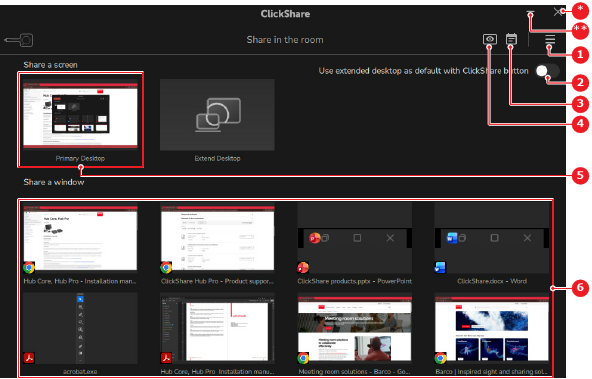
The content on the display is replaced with content from the user device. On the user device, a green border is added when a specific window is being shared.