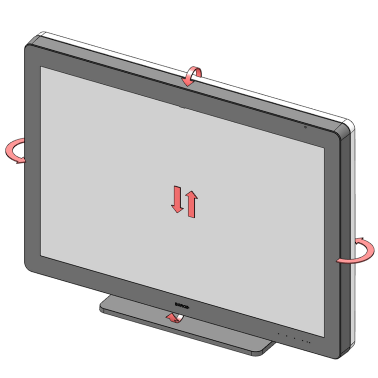
About
In the factory, the tilt- and height mechanism in the display stand are locked to prevent damage during transportation. Both mechanisms must be unlocked before you can adjust the position of the display.

In the factory, the tilt- and height mechanism in the display stand are locked to prevent damage during transportation. Both mechanisms must be unlocked before you can adjust the position of the display.
While pulling the bottom of the display towards the stand, pull out the red pin in the display stand.
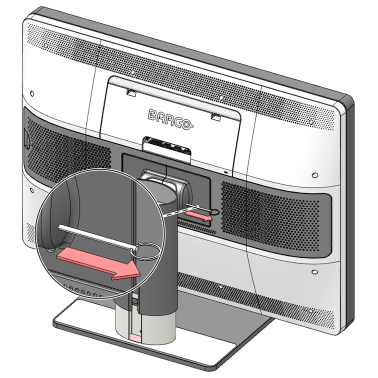

While holding the display panel pushed down, pull out the red pin in the display stand.
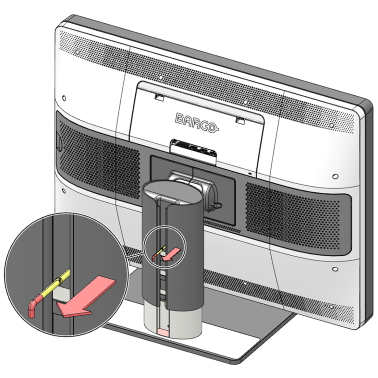

Tilt, swivel, raise and lower the display as desired.