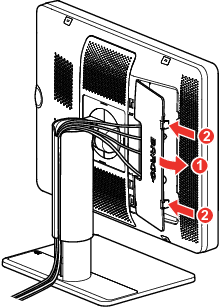
To route the cables
Route all connected cables through the cable routing channel in the stand of your display.
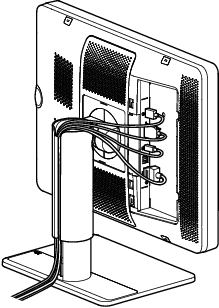
Image 2–5 

Route all connected cables through the cable routing channel in the stand of your display.
Reattach the connector compartment cover by sliding the cover in position and then push the cover towards the display. You'll hear a “click” sound of the cover's clips when the connector compartment cover is in position.