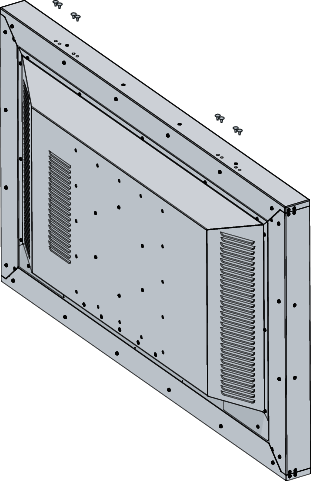
To mount and use the hoist bracket to the display
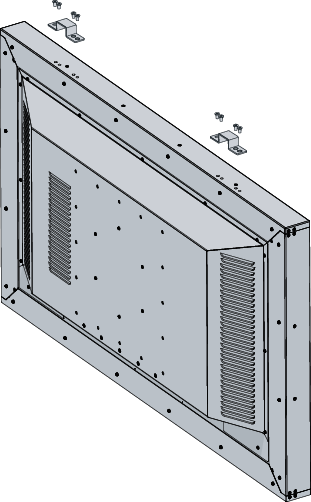
Mount the brackets to the display using the screws provided in the accessory kit. Verify that the screwing operation is well done using a torque value of 4N/m.
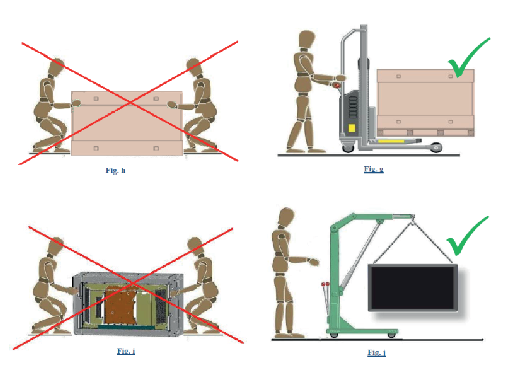
Move your display as shown on the picture below.
After transportation, you can remove the brackets and the 8 mounting holes can be closed, either with 8 plastic caps (version without the protection glass) or using the same screws adding the respective o-ring (version with the protection glass).