
To connect the power supply
- Connect the power cord set into the AC power adapter
Plug the power connector of the adapter into the power port of the display.
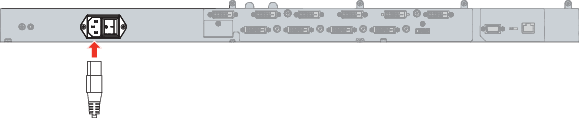
Image 3–4 - For additional grounding, earth the display by connecting the protective earth pin to a grounded outlet by means of a wire with a minimum AWG18 size (according to national requirements regarding the maximum admitted cable length). Use the included M4 screw to attach the wire to the protective earth pin.