
How to upgrade
Select Support & updates and click on Updates (a).
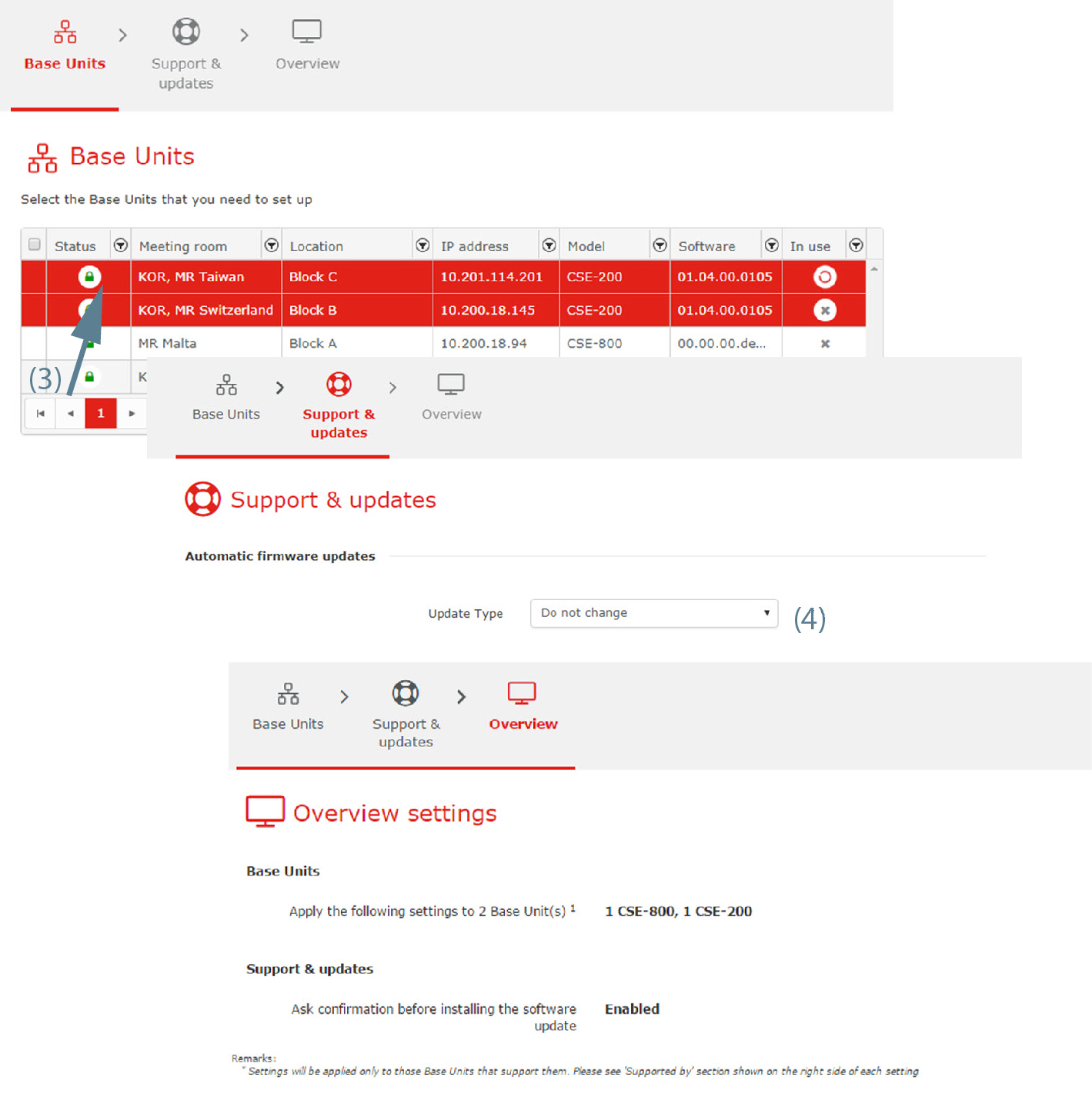
Image 3–87 CMGS upgrade wizard Click on the Upgrade CMGS button next to (b).
An is displayed.
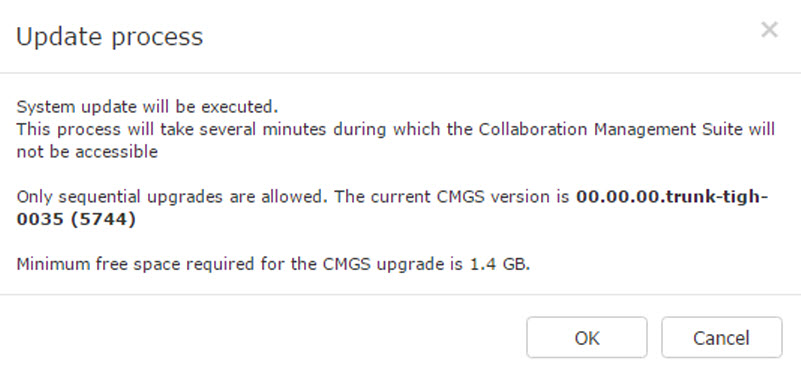
Image 3–88 Update process This process will take several minutes during which the XMS (virtual) Edge will not be accessible. Only sequential upgrades are allowed. That means that if your have to install all update version available between your version and the latest released version.
- Click OK to continue.