How to return to default settings
Select and click on User roles to display the overview page (1).
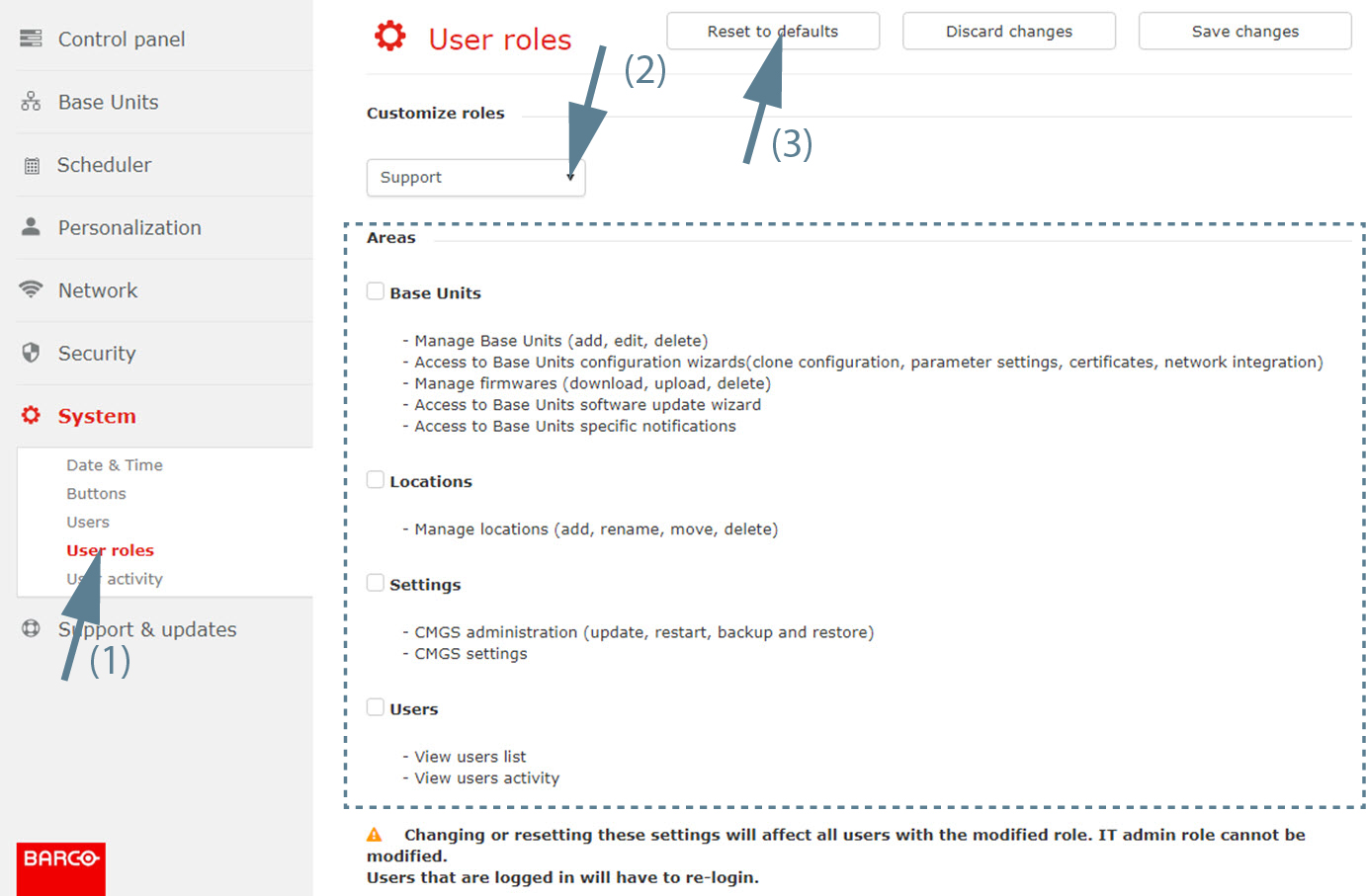
Image 3–80 Reset user role - Select a customization role. Click on the drop down box and select the desired role (2).
- Click on Reset to defaults (3).

Select and click on User roles to display the overview page (1).