
How to setup
In the menu pane, click Personalization and select .
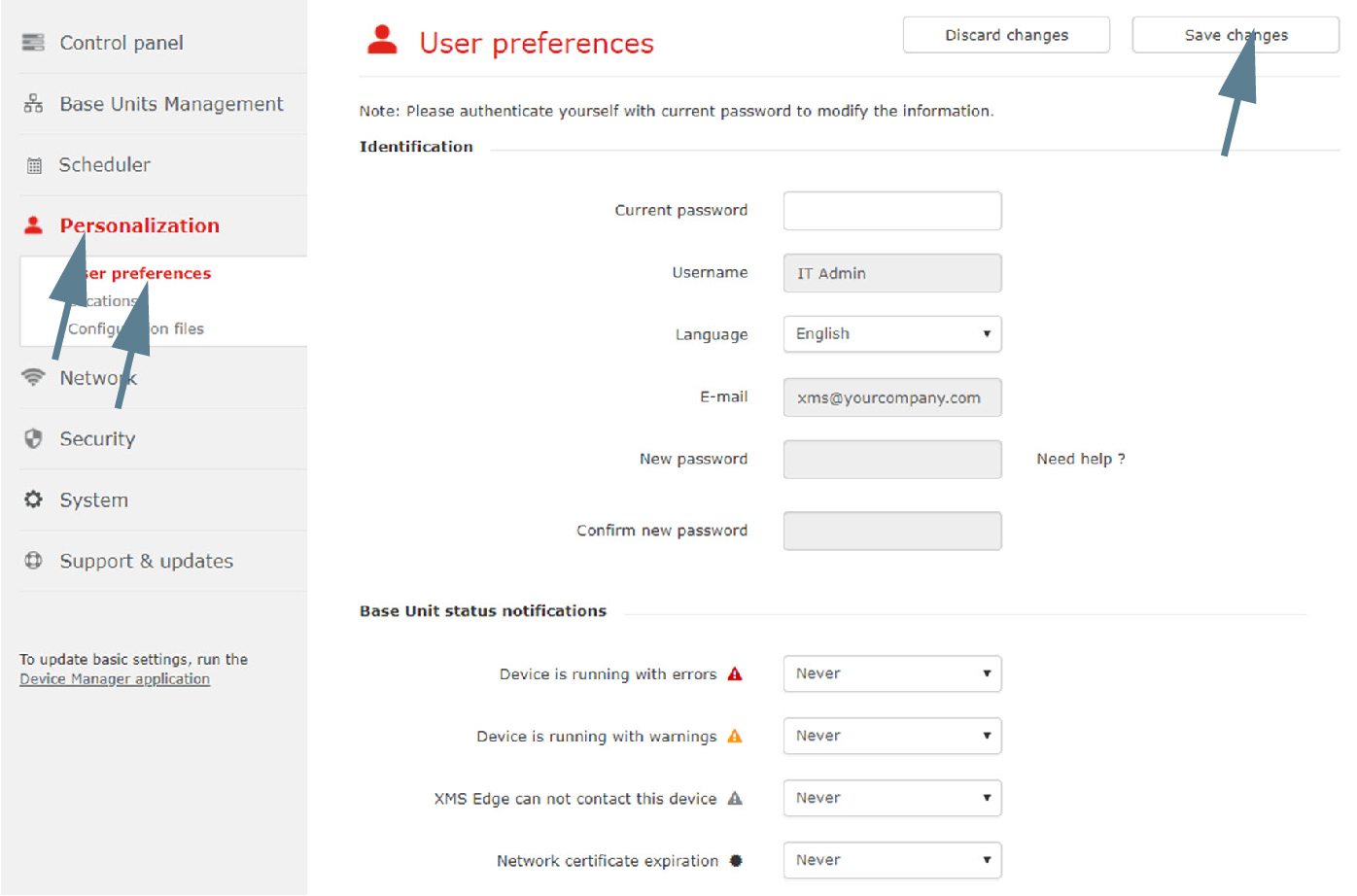
Image 3–28 User preferences The current user preferences are displayed. Any changes can be made.
For the fields with a drop down box, click inside the field and select a new value out of the list. For text fields, click inside the field, select the current value and enter a new value.
- Click on Save changes to apply the changes.