
How to setup
- In the menu pane, click on Security (1).
Click Start wizard next to (2).
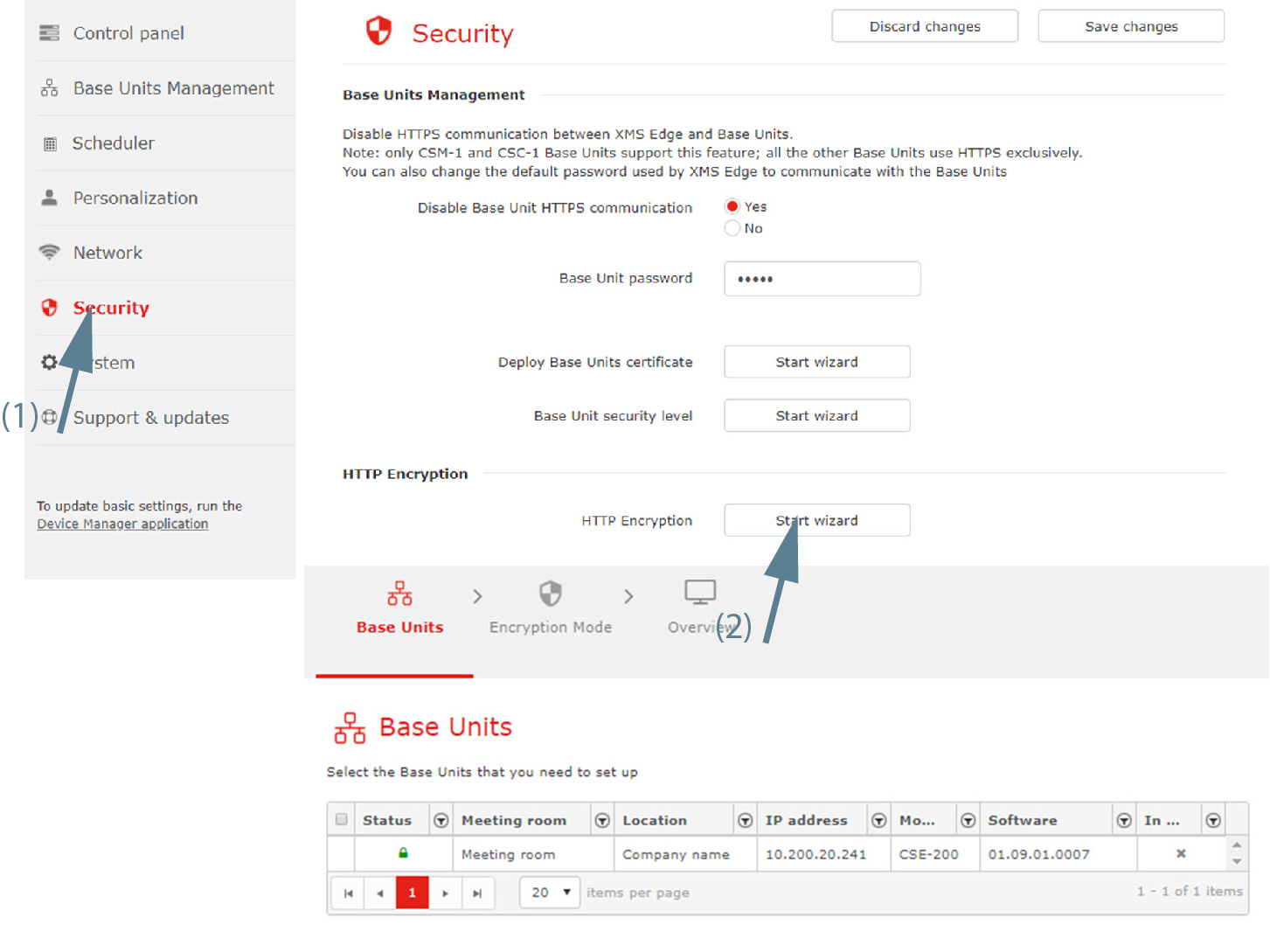
Image 3–66 - Select the Base Unit that you need to set up and click Next.
Select the desired encryption mode. Check the radio button of your choice.
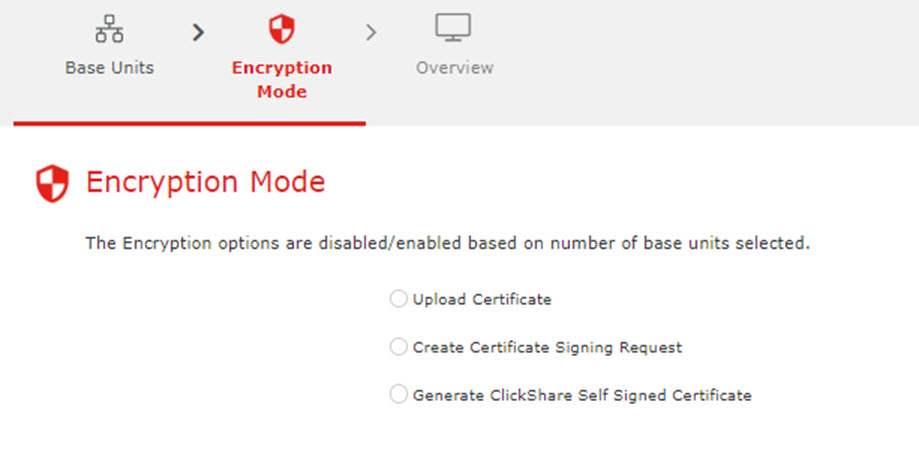
Image 3–67 - Upload Certificate
- Create Certificate Signing Request
- Generate ClickShare Self Signed Certificate