IT admin
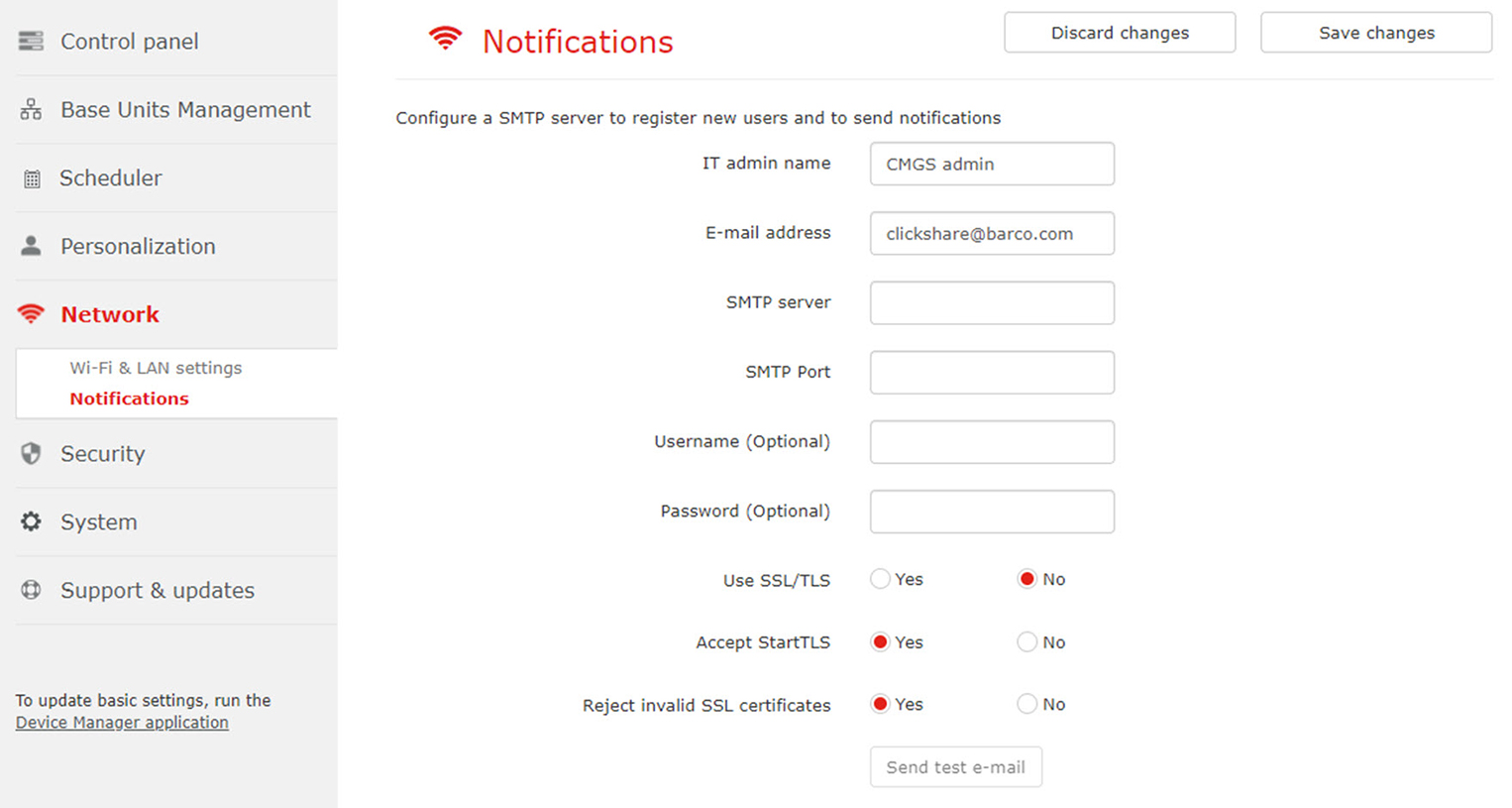
IT admin name: name used to send out notifications.
E-mail address: address used to send out notifications

IT admin name: name used to send out notifications.
E-mail address: address used to send out notifications
| SMTP server | Hostname or IP address of the outgoing mail server. |
| Port | Used port of the outgoing mail server. |
| User name (optional) | Name used to access the mail server. |
| Password (optional) | Password to access the mail server. |
| Use SSL/TLS | Use of secured sockets layer/transport layer security. Check the radio button of your choice. |
| Accept StartTLS | will upgrade the existing unsecured connection to a secure connection using SSL/TLS. |
| Reject invalid SSL certificates | will reject all invalid certificates. |
Click on the button Send test e-mail to check the SMTP settings.
Click Save changes to activate the notification settings.