

How to set
In the menu pane, click on Security (1).
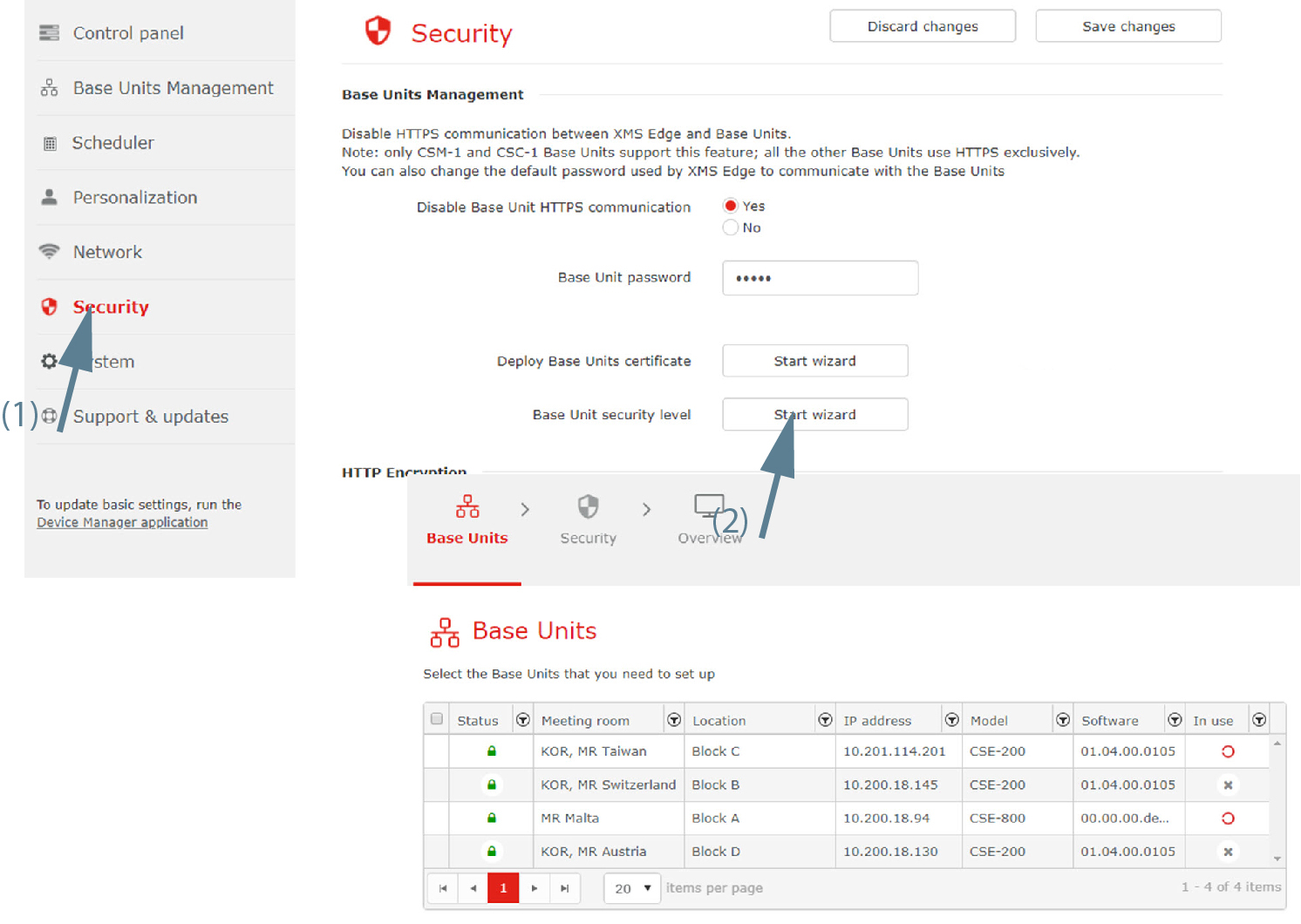
Image 3–64 Base Unit security level, start - Click Start wizard next to (2).
- Select the Base Unit(s) that need to set up. Click Next to continue.
Click on the drop down box next to and select the desired level for the selected Base Unit(s).
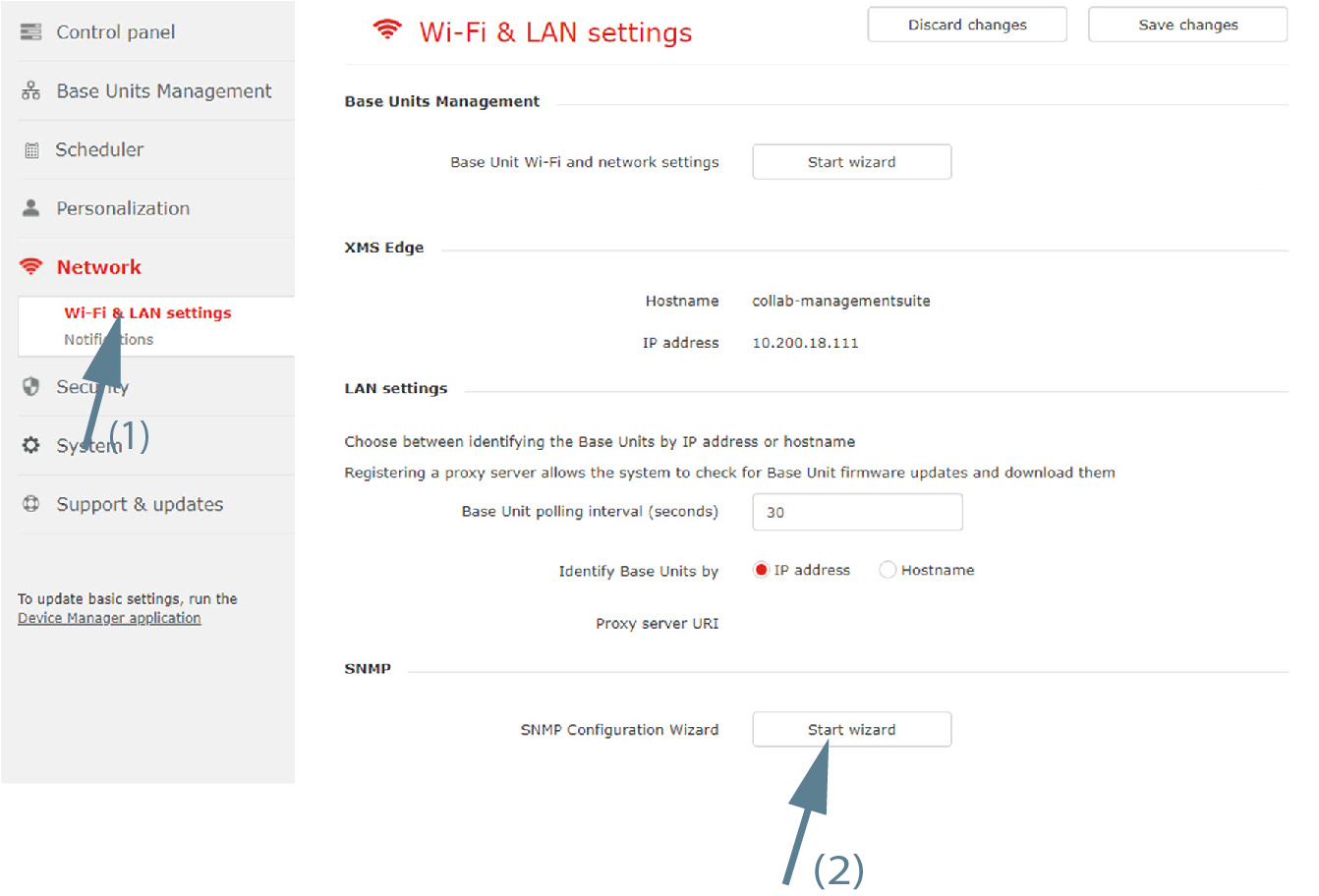
Image 3–65 Base Unit security Click Next to continue.
An window is displayed.
- Click Finish.