
How to restore
Select Personalization and click Configuration files to display the page.
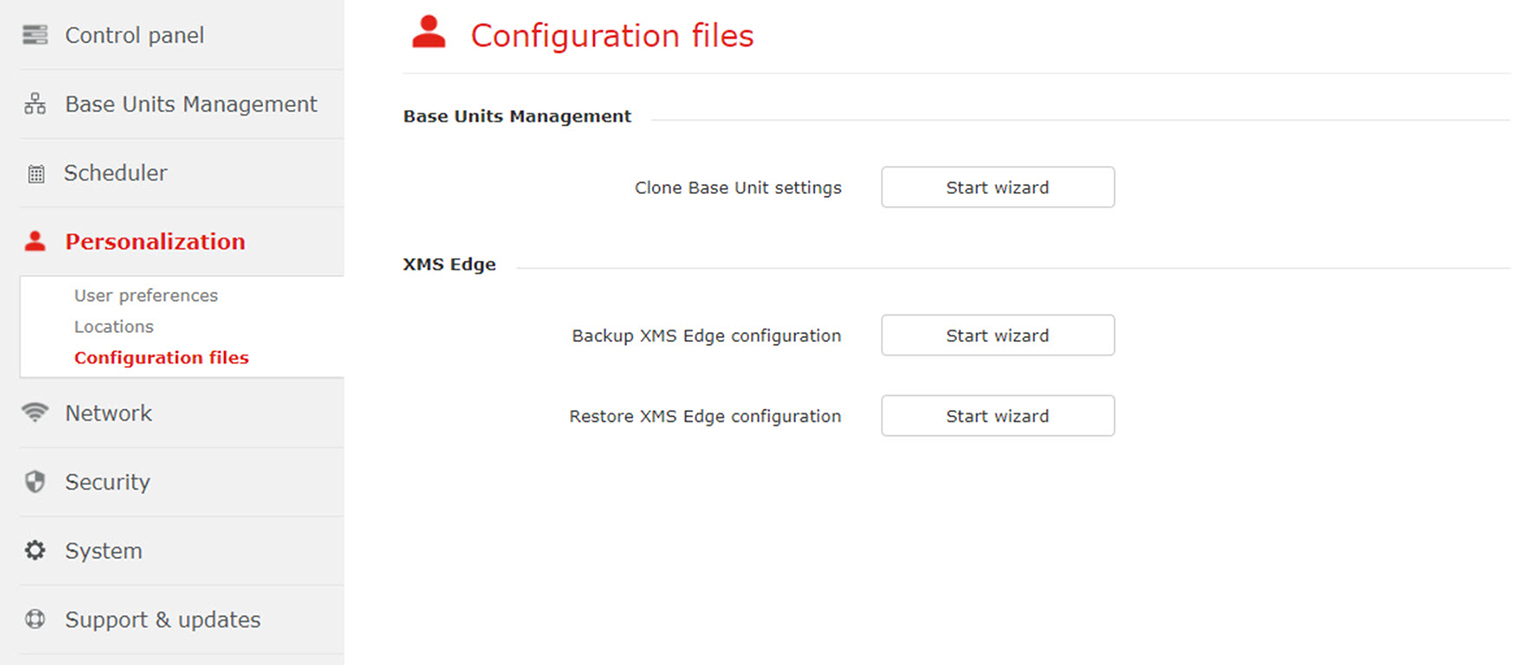
Image 3–42 Configuration files Click on Start wizard next to .
Restore will be executed. During this time the XMS (virtual) Edge will not be accessible. This process will overwrite current settings (Base Units, users, roles, etc.). The firmware and scheduled software update jobs will not be restored. You will also be logged out of the application when the restore process ends.