
How to backup
Select Personalization and click Configuration files to display the page.
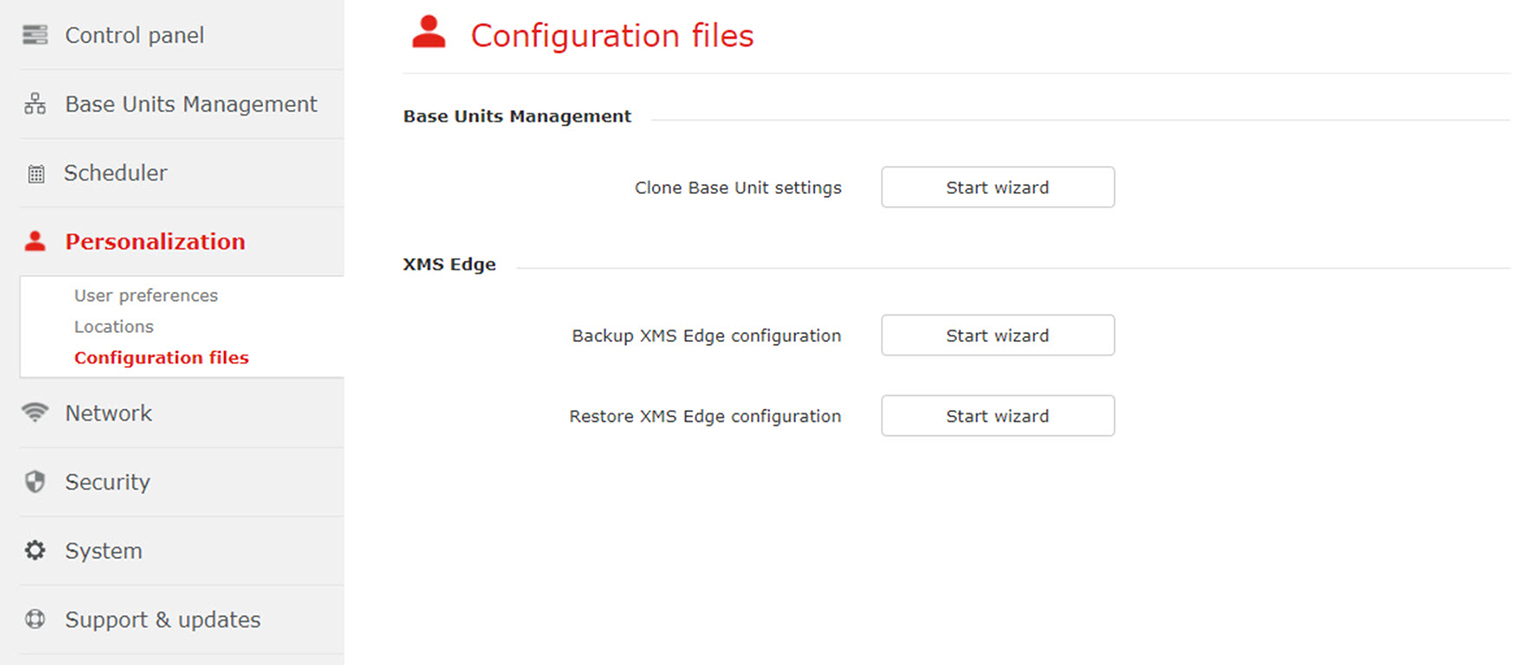
Image 3–41 Configuration files Click on Start wizard next to .
A backup file is created and stored on the hard disk. The file has a tar.gz.gpg format.
- To continue, click OK.