About deleting Base Units
Multiple Base Units can be removed from XMS (virtual) Edge at the same time.

Multiple Base Units can be removed from XMS (virtual) Edge at the same time.
Select the Base Units to delete.
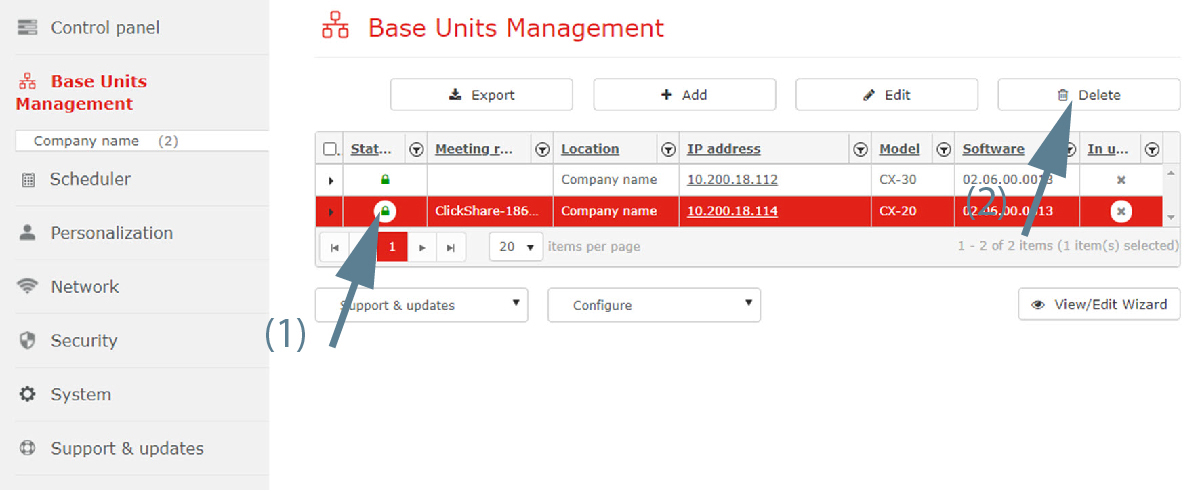
Click on the Delete button.
A warning message appears to ask confirmation from the user: “”.