About updates
Firmware can be uploaded and the server can be updated using a wizard.

Firmware can be uploaded and the server can be updated using a wizard.
In the menu pane, select Support & updates → Updates.
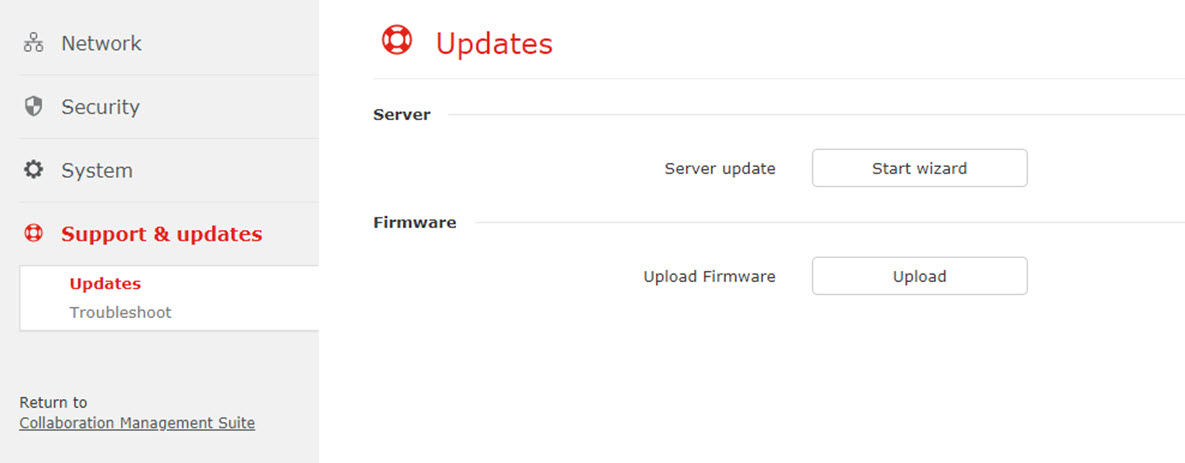
Click on Start wizard next to .
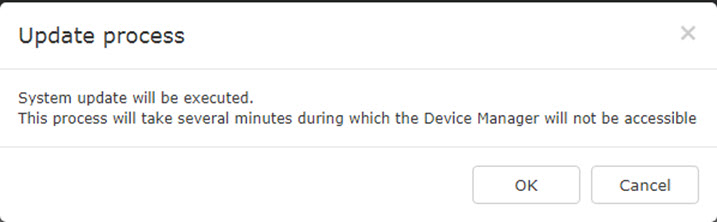
A message is diplayed.
Click on Upload next to .
A browser window opens.
Select the firmware file and click Open.
The firmware will be uploaded.