About filtering users
All users of specific locations can be displayed in the list.

All users of specific locations can be displayed in the list.
Select System and click on the arrow before the main location to display a specific overview page (1).
Click on the arrow to expand/collapse the tree and select the desired level.
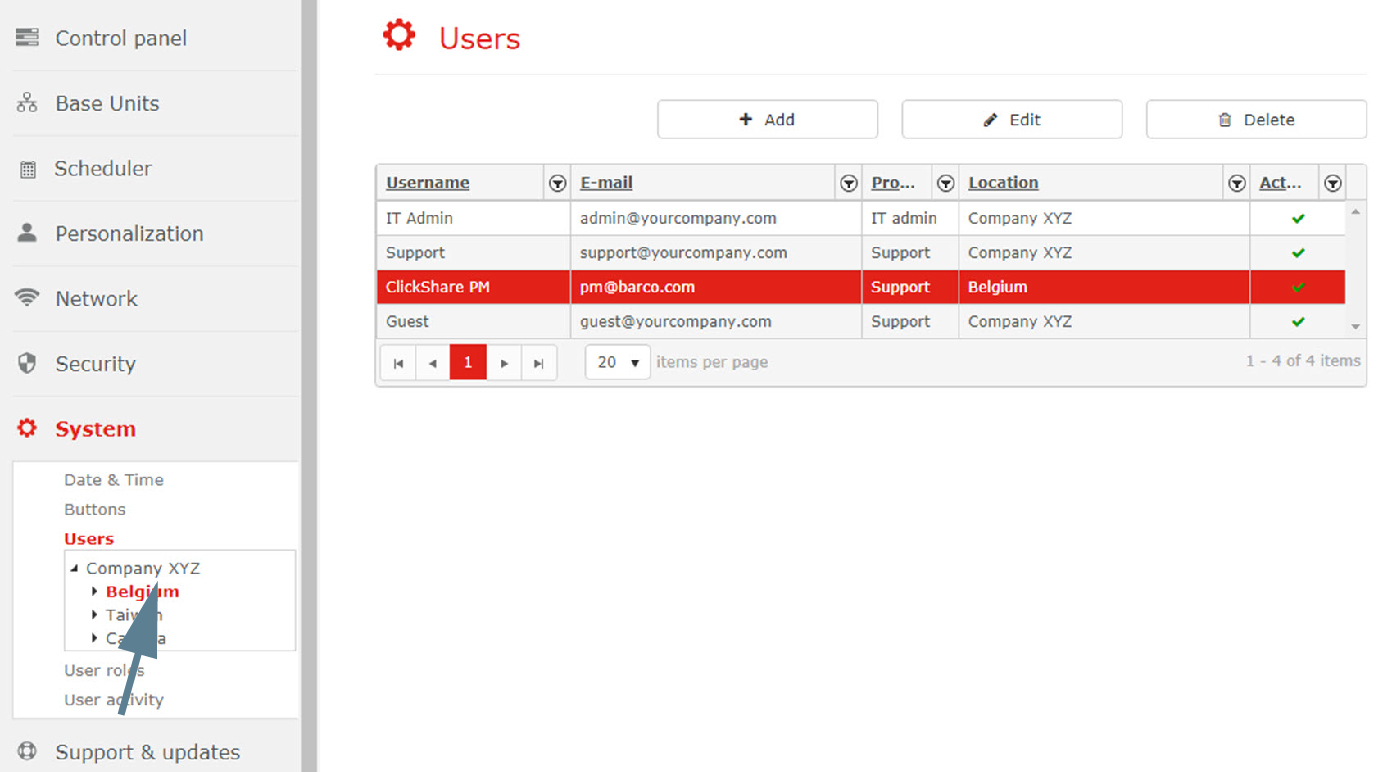
All user of the selected level and the higher levels are displayed in the list.