About user roles
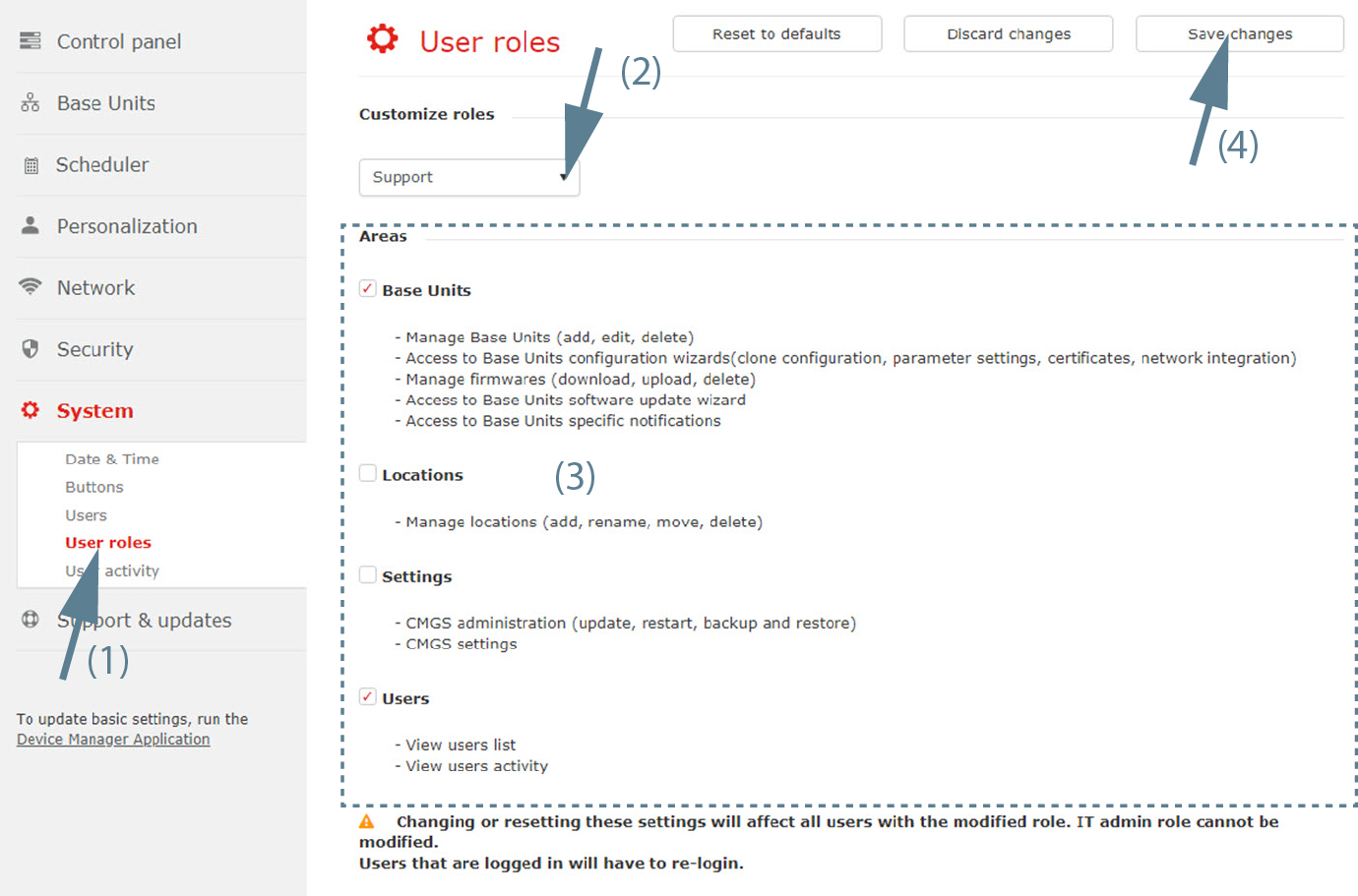
Customized roles can be created for a group of users. These roles are then valid for all user in the this group.
The customization can be done in different areas such as:
- Base Units
- Locations
- Settings
- Users
Changing these settings will affect all users with the modified role. Users that are logged in will have to re-login.