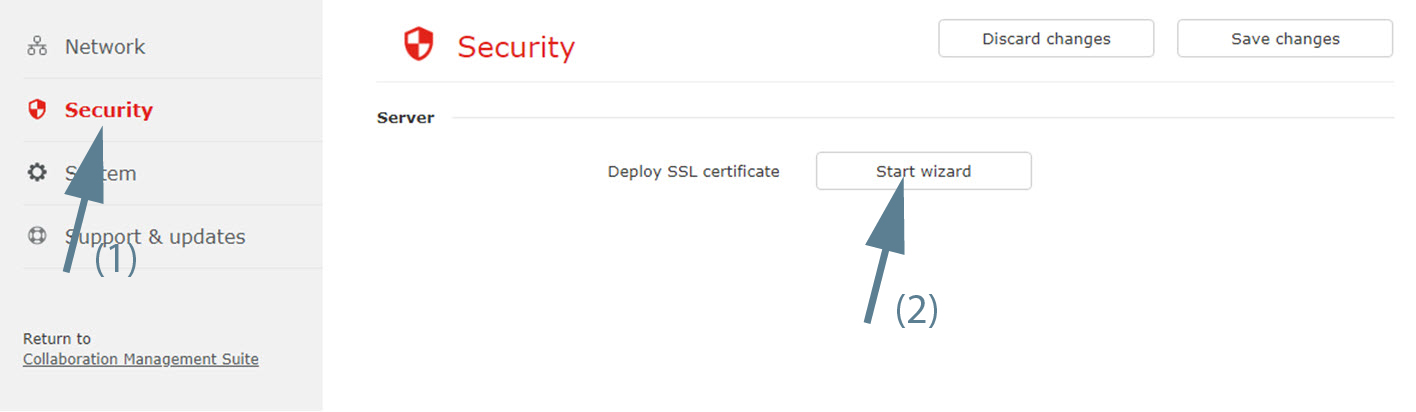
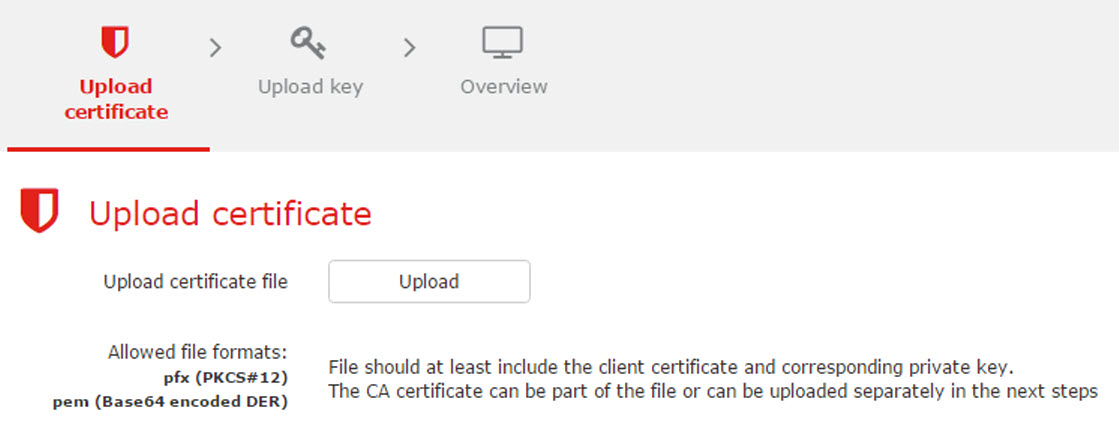
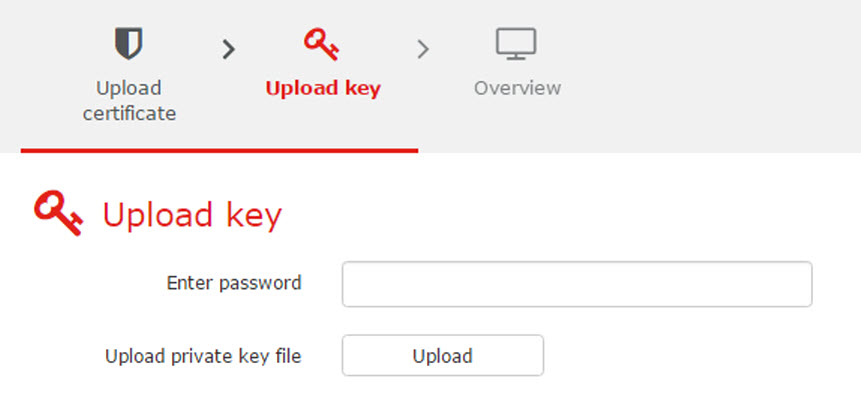
About SSL certificate
The SSL certificate is used for secure communication between the XMS (virtual) Edge and the browser. The current certificate is a self-signed certificate. If you have a certificate signed by a Certificate Authority, then the browsers will consider XMS (virtual) Edge as a secure site. With the current certificates from XMS (virtual) Edge, some browsers might warn the users that the certificate is not signed by an authority and might not be secure to access the page, so the user has to explicitly accept the self-signed certificates when first accessing the XMS (virtual) Edge.