
How to restart
- Navigate to troubleshoot within support & updates.
Click on “Restart” after “Restart Server”.
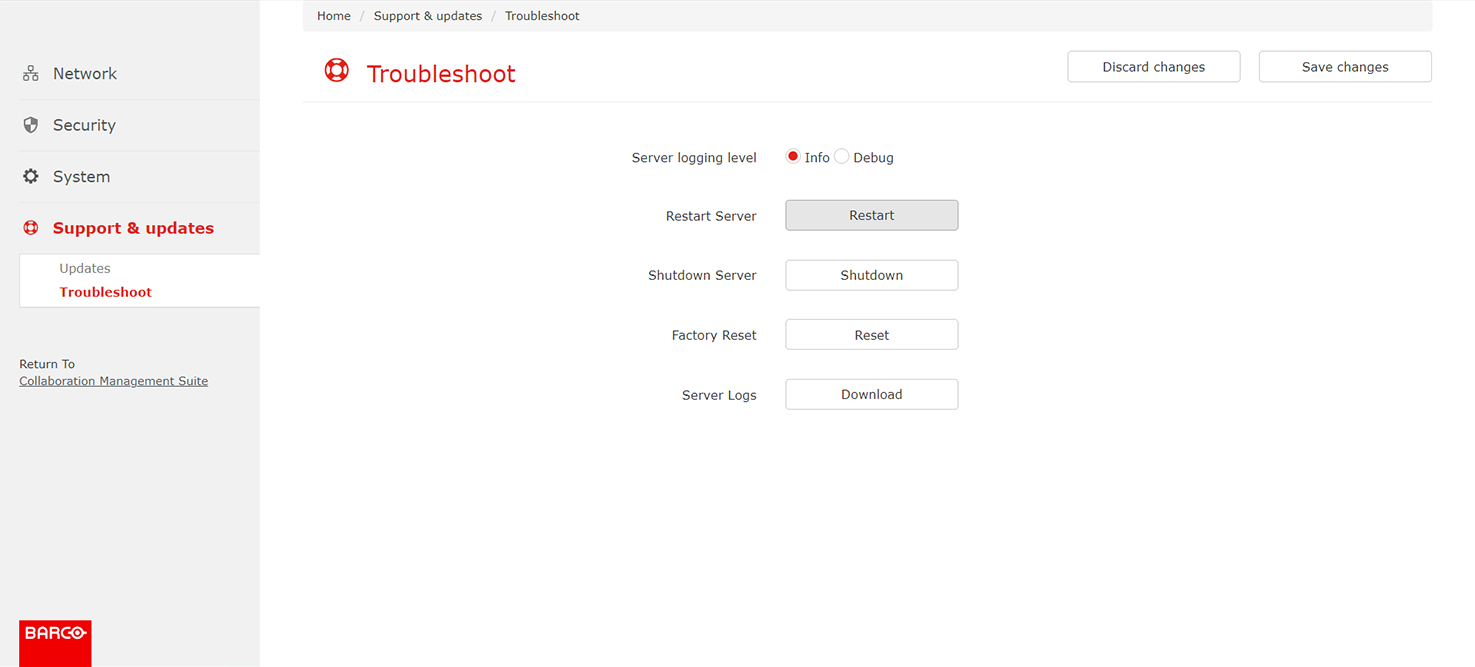
Image 3–95 Location of the “Restart” button A confirmation pop-up will be shown
Click “OK” to restart XMS.
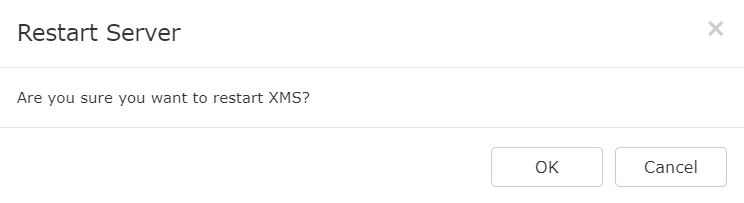
Image 3–96 Restart pop-up Restarting will take several minutes. The login page will be displayed when the restart has finished.