About the XMS Server integration
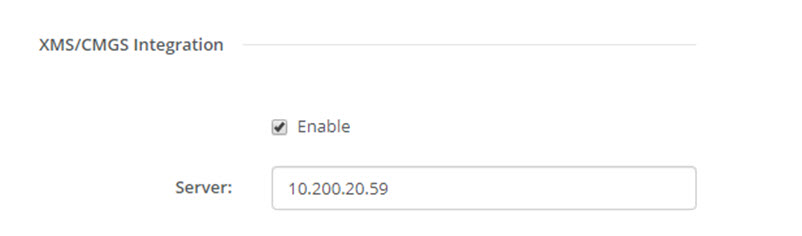
The CSE-200 Base Unit can be integrated within the company network and controlled via the XMS server application depending on the user rights.

The CSE-200 Base Unit can be integrated within the company network and controlled via the XMS server application depending on the user rights.
Click → .