
How to fill out the settings
Fill out a .
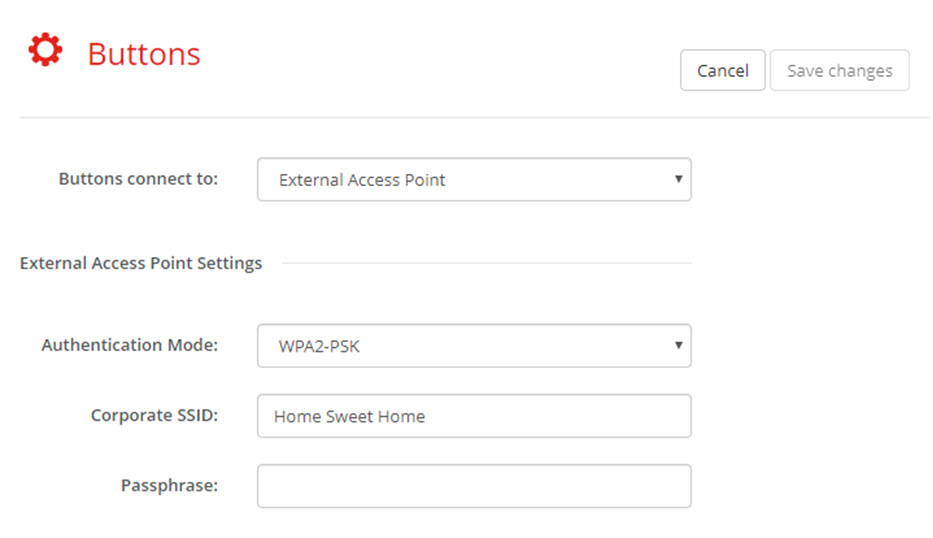
Image 6–50 Buttons, External access point, mode WPA2-PSK The SSID of your corporate wireless infrastructure to which the ClickShare Buttons will connect.
Fill out Passphrase.
The key used in WPA2-PSK to authenticate onto the wireless infrastructure. This can be a string of 64 hexadecimal digits or a passphrase of 8 to 63 printable ASCII characters.
- Click Save changes to save the settings.