About the on-screen language.
The on-screen language can be set independent of the configurator language. The on-screen text size can be changed between small, medium or large.

The on-screen language can be set independent of the configurator language. The on-screen text size can be changed between small, medium or large.
Click → .
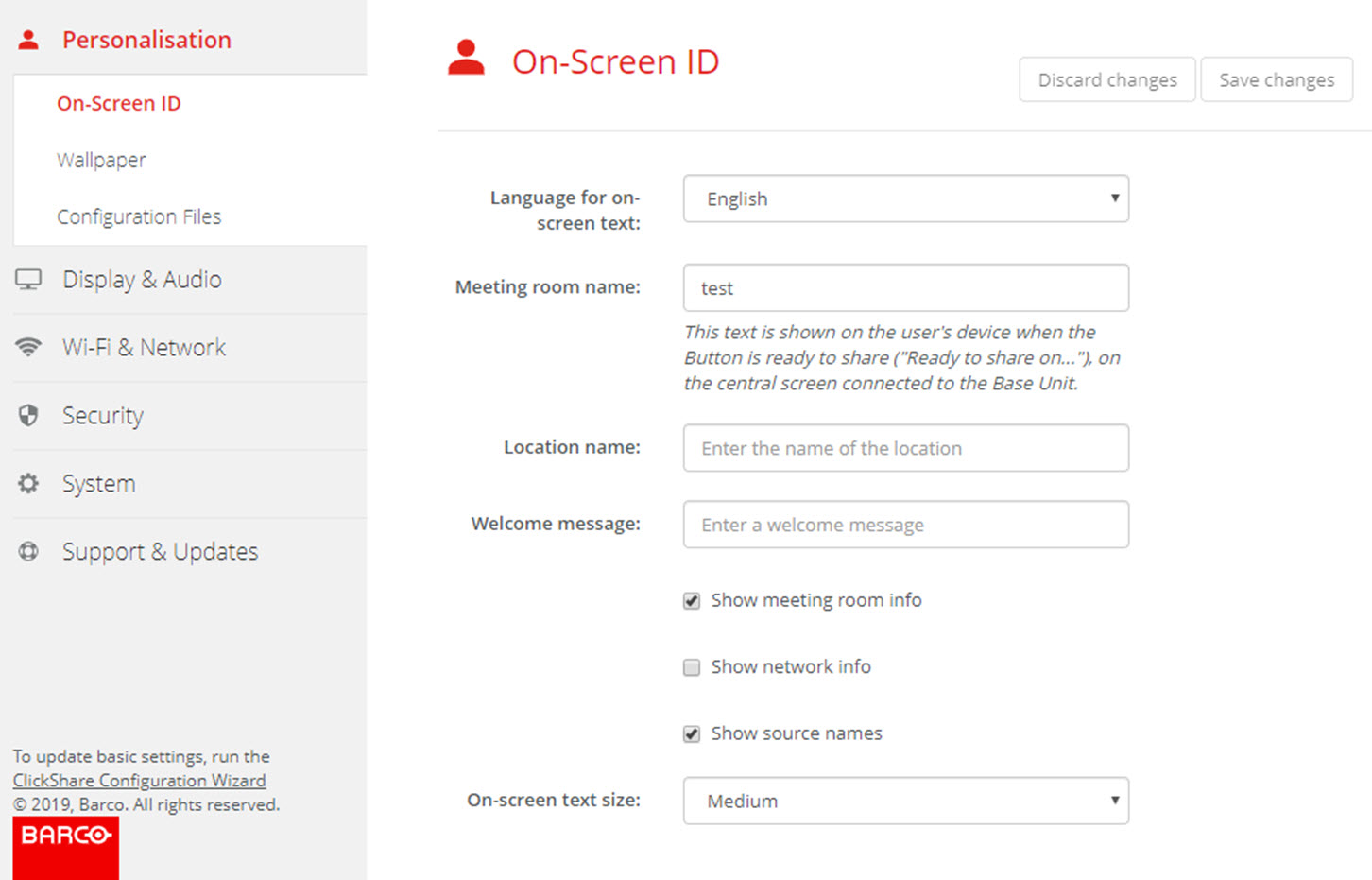
Select the language of the on-screen text. Click on the drop down box next to and select the desired language.
The following languages are possible:
Click on the drop down box next to and select the desired font size.
The following sizes are possible: