About API settings
The API can be enabled or disabled, that means that the access to the unit from an external device can be allowed or can be blocked.
This functions in enabled by default.

The API can be enabled or disabled, that means that the access to the unit from an external device can be allowed or can be blocked.
This functions in enabled by default.
Click → .
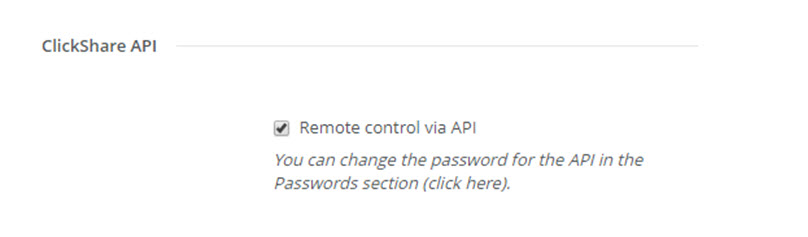
Check the check box in front of to enable this function.
Checked: remote control via API is allowed. A password can be used to protect the access.
Not checked: no remote control via API allowed.