About the audio settings
The audio functionality can be disabled or enabled. When the enable and/or disable setting is changed, the Buttons must be re-paired before the setting becomes active.
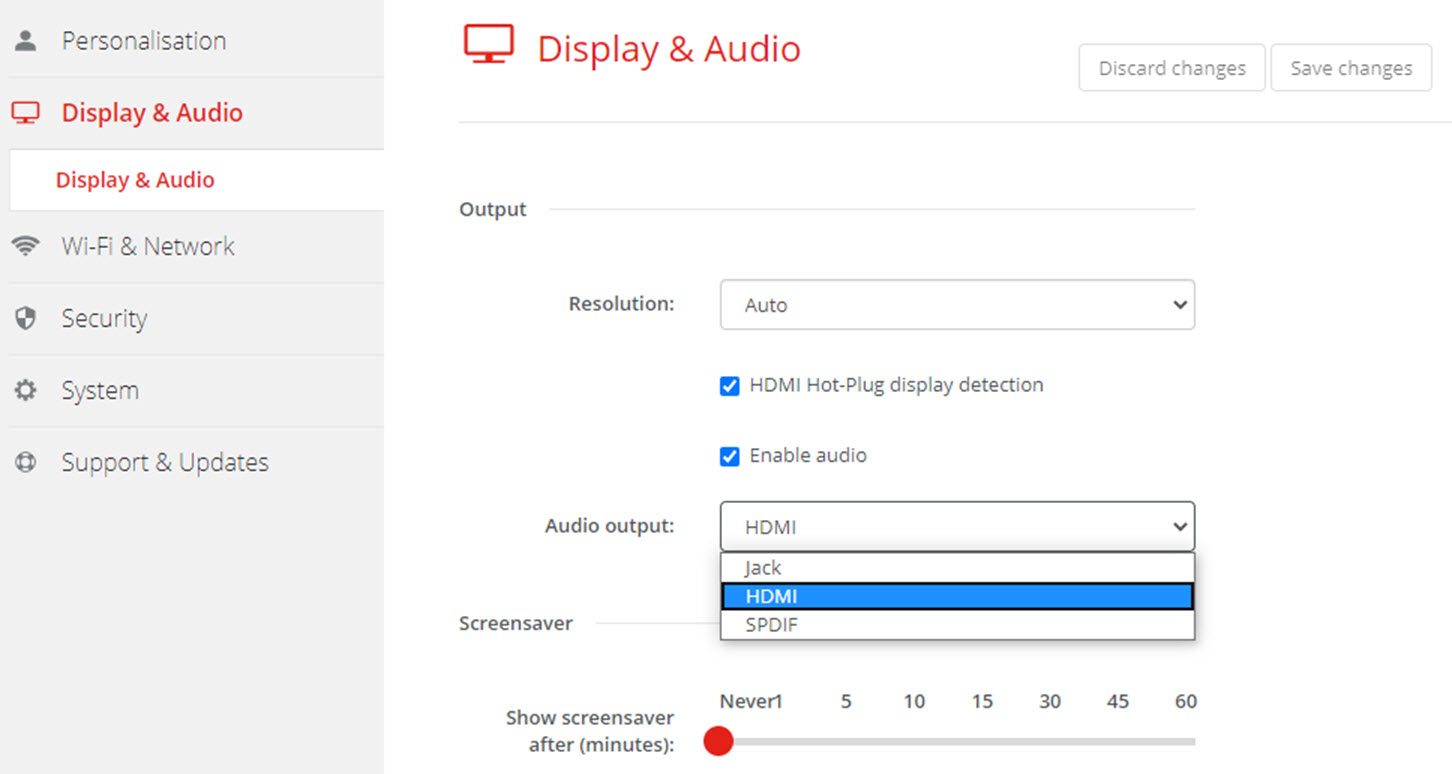

The audio functionality can be disabled or enabled. When the enable and/or disable setting is changed, the Buttons must be re-paired before the setting becomes active.
Check or uncheck the check box next to Enable Audio.
Checked: audio is enabled.
Unchecked: audio is disabled.
To select the audio output, click on the drop down box and select the desired audio output.
Jack: audio output via jack.
HDMI: audio output via HDMI.
SPDIF: digital audio ouput via TOSLINK