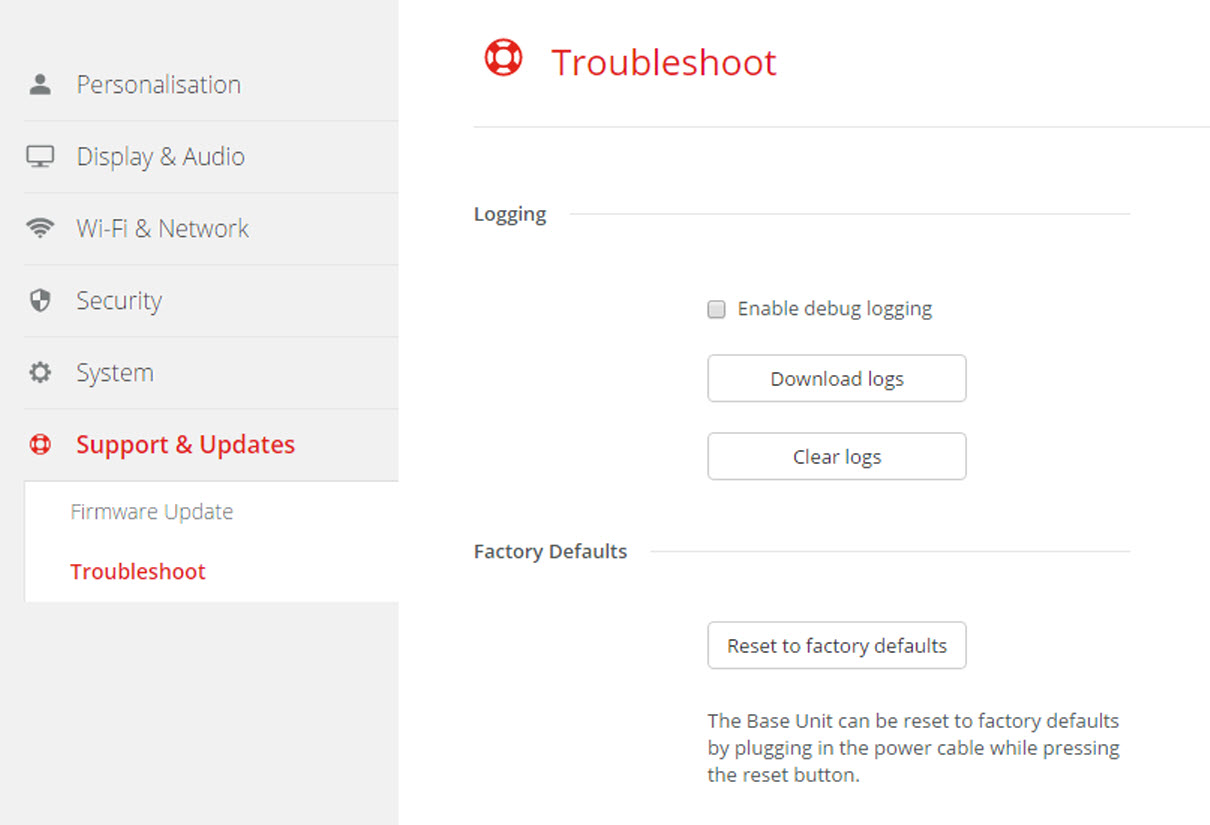
About default settings
The ClickShare Base Unit can return to the factory default settings.
The following settings are the defaults:
- Meeting room identification info is cleared.
- Language is set to English.
- Custom wallpapers are removed and the default wallpaper is restored.
- Standby timer is reset to 10 min.
- Hostname and SSID is set to .
- The SSID is broadcasted
- Wi-Fi password is reset to .
- The default Wi-Fi channel is set back to frequency 5 GHz, channel 36.
- The update history is cleared.
- The table with the associated Buttons is cleared.
- The admin password is reset to .
- Debug logging and remote logging are disabled.