4.12 Power connection

About power

This product is intended to be supplied by a UL Listed Power Unit marked “Class 2” or “LPS” or “Limited Power Source” with output rated 12 VDC 1.5A min or Power over Ethernet (PoE) Plus IEEE802.3at Type 2 compliant Power Sourcing Equipment (PSE) rated 42.5-57 VDC, 0.4-0.3A.

An external power adapter is delivered with the product.

Note: Once the Base Unit is powered, it starts up. Then the power button can be used to switch on or off.
How to connect the external power adapter.
  1. Plug the barrel connector of the power adapter into the power input of the Base Unit.
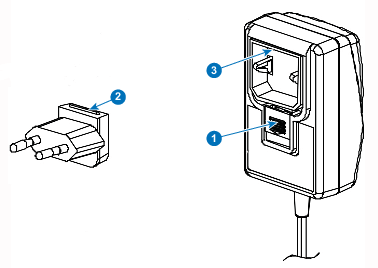
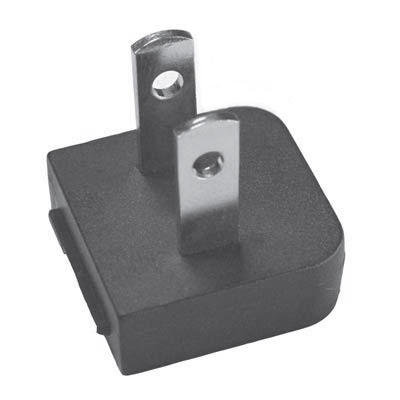
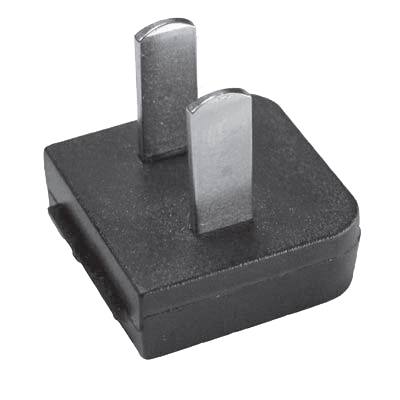
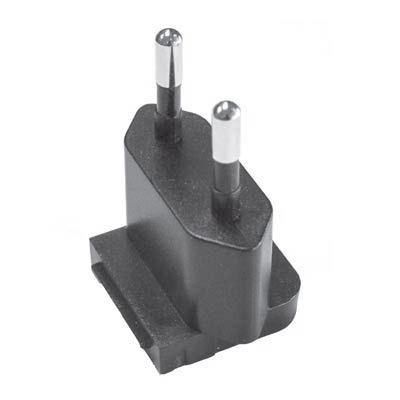
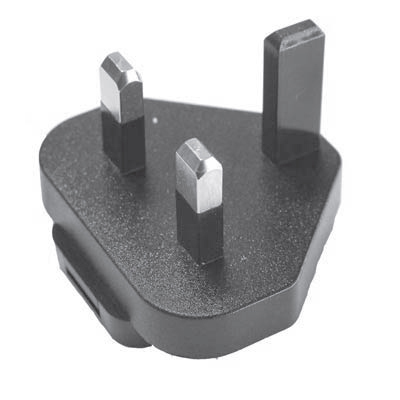
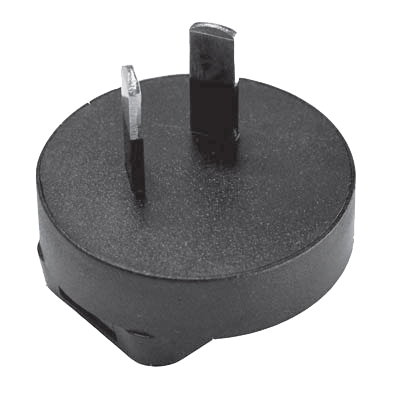
  2. Slide a power input adaptor piece (US, CN, EU or UK) on the power adapter of the ClickShare . Use the one which is applicable in your country.

    1. Slide down the button on the adapter (1).
    2. Insert the latch (2) of the adapter piece into notch (3)
    Image 4–8 Mounting adapter piece
    Image 4–9 Type A
    Image 4–10 Type A
    Image 4–11 Type C
    Image 4–12 Type G
    Image 4–13 Type I
  3. Connect the power cable to the wall outlet.