User Interface functionality
After launching the client, the ClickShare icon appears in the system tray.

After launching the client, the ClickShare icon appears in the system tray.
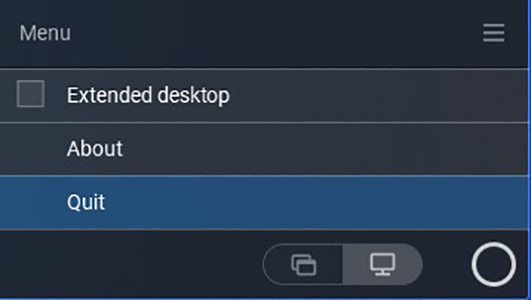
The content of the context menu is related to the operating system.
Click the hamburgen menu icon in the ready message.
The context menu appears. The content depends on the functionality of your device.