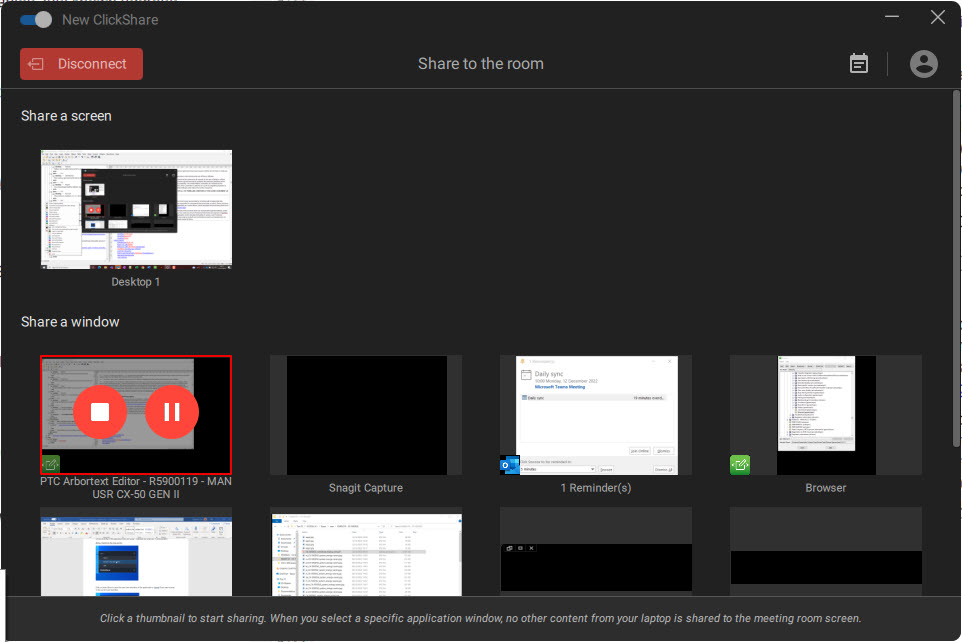
With the ClickShare desktop app
When your meeting has come to an end, stop sharing by hovering over the red bar to expand the interface and clicking the full red circle.
Disconnect from the meeting room by either clicking the “Disconnect” button or by simply closing your laptop.