
How to start
Tap with 2 fingers at the same time, approximately the same place, for about 500 ms on the touch panel.
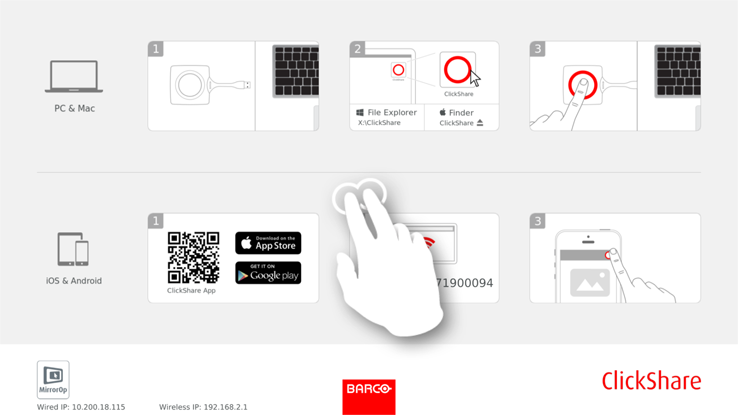
Image 3–33 Start blackboarding mode 
The selection menu with and opens on the current presented content. When nothing is shared, only will be available in the menu.
To start the blackboard functionality, tap on Blackboard.
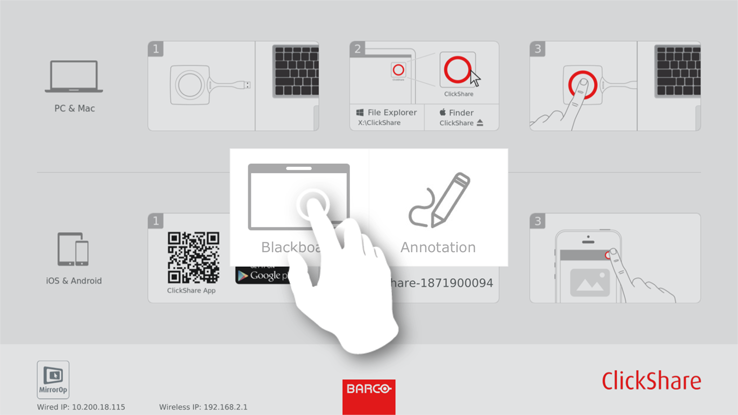
Image 3–34 Start blackboard The current content will be hidden. No clients should be disconnected. A black background is shown. The screen is empty when no previous backboard has been used. Otherwise previous content is shown again.
To start the annotation functionality, tap on Annotation.
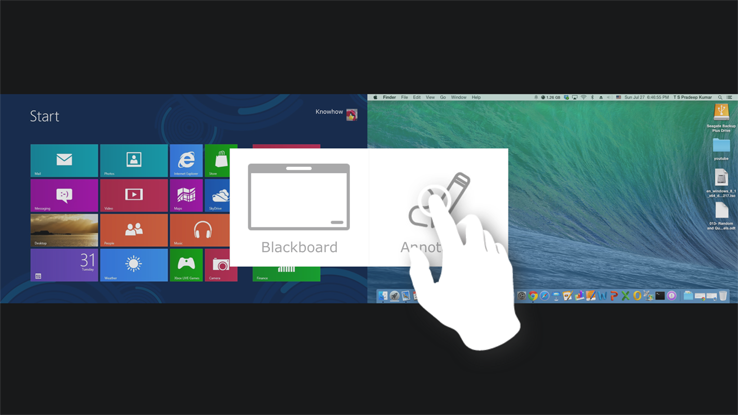
Image 3–35 Start annotation No clients should be disconnected. The current shared screen(s) will be captured and used as background. No previous content can be shown again.