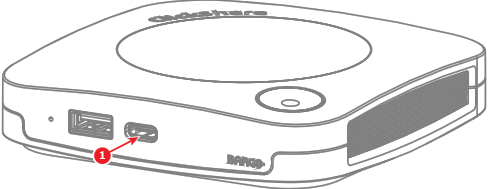
About display connections
There are two ways to connect a display to the Base Unit:
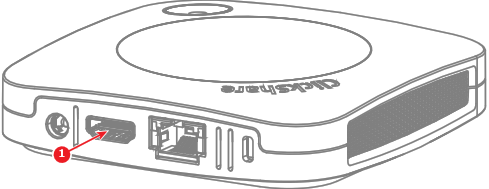
- HDMI
USB-C
- Using a USB-C cable.
- Using a USB-C to HDMI dongle.

There are two ways to connect a display to the Base Unit:
USB-C
Connect an “HDMI” cable from the “HDMI out” port of the Base Unit to the “HDMI in” port of the display. (reference 1)
Connect a display to the “USB-C” port of the Base Unit with a “USB-C” cable or “USB-C to HDMI” dongle. (reference 1)