About the peripherals
When a device is connected to ClickShare, then all of the internal and connected peripherals become available to that device. These can be used to record videos, capture screenshots or record audio from the connected device. This functionality is required to participate in conferences or for administrators to test the peripherals remotely.
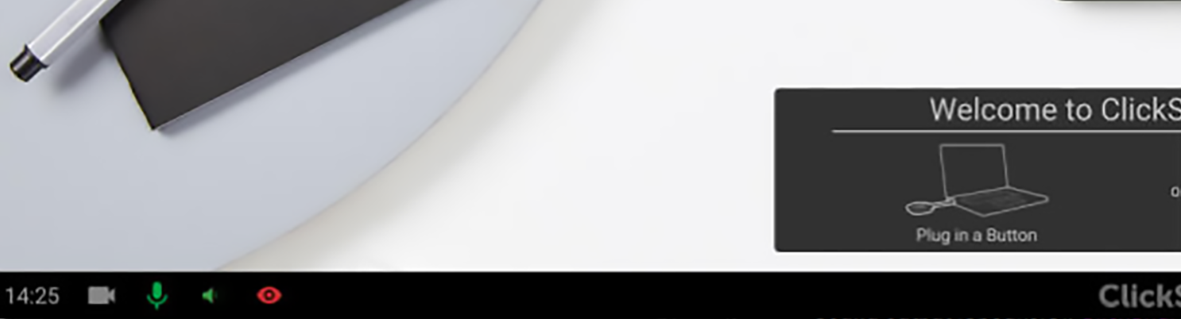
When any peripheral is active on a connected device, then its icon on the bottom left of the wallpaper will turn green. When the screen content is being viewed, then a red eye icon will appear on the bottom left of the wallpaper.