
How to activate
Press Menu to activate the menus and select → .

Image 13–121 Main menu, alignment 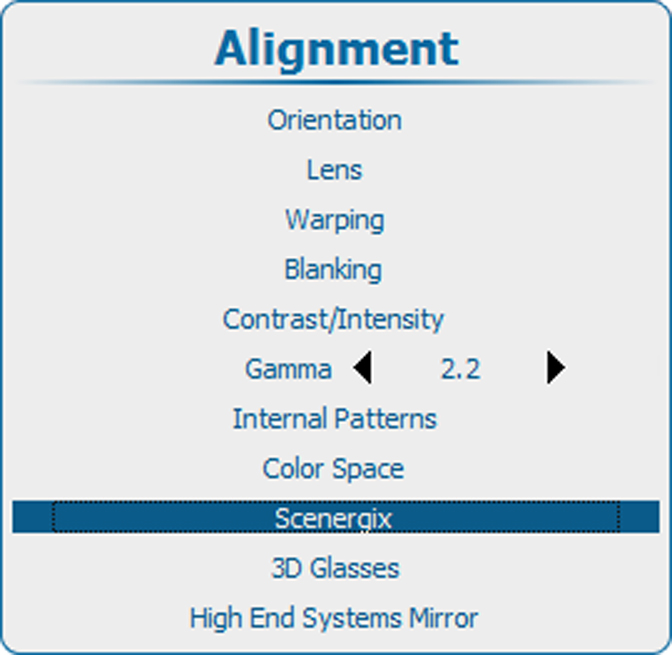
Image 13–122 Alignment, Scenergix Press ENTER to select.
The menu opens.
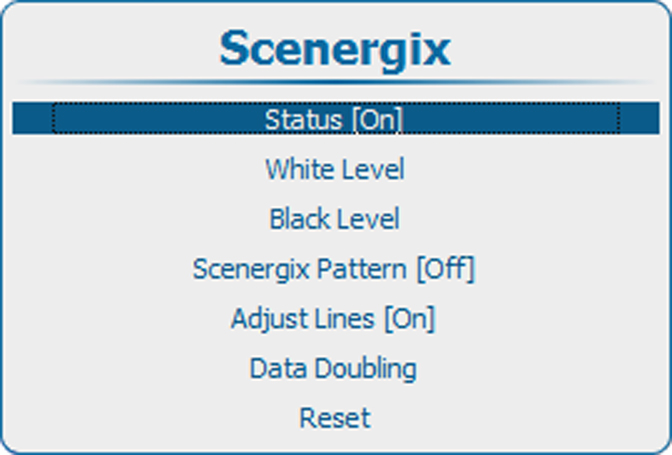
Image 13–123 Scenergix, status Use the ▲ or ▼ key to select Status and press ENTER to toggle between and
[On] : Scenergix is activated.
[Off] : Scenergix is deactivated