About SMS subscription
When subscripted for notifications, the projector will send out SMS messages when notifications occur with severity “Critical”, “Error” or “Warning”.

When subscripted for notifications, the projector will send out SMS messages when notifications occur with severity “Critical”, “Error” or “Warning”.
Press Menu to activate the menus and select → .

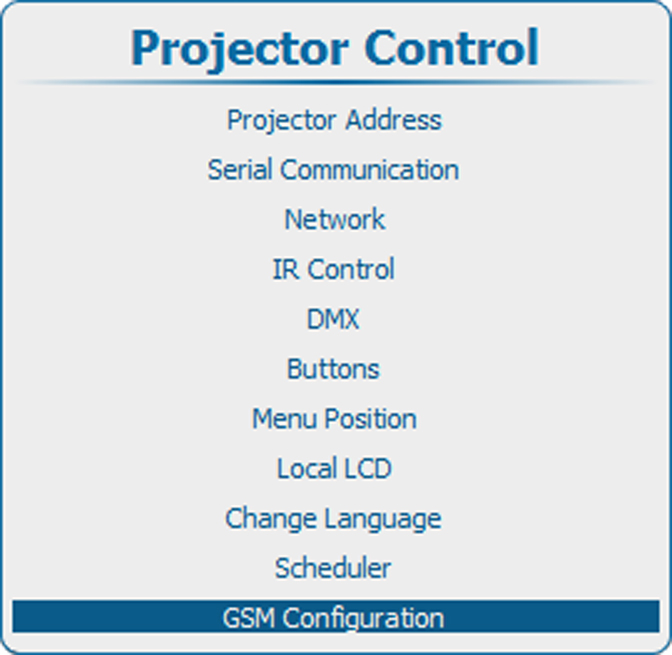
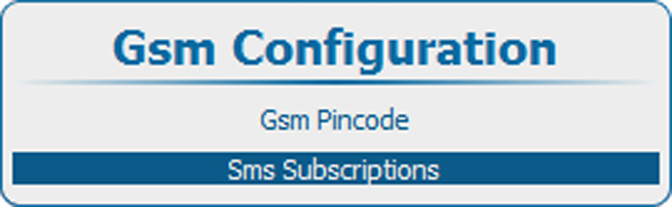
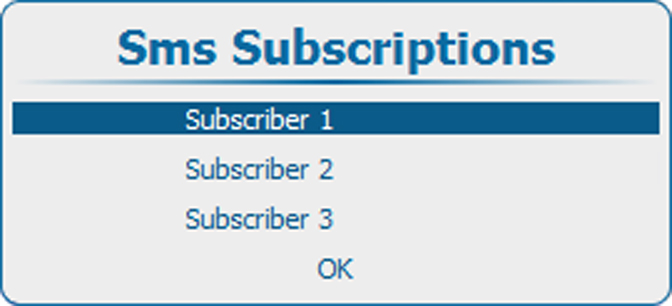
Select and press ENTER.
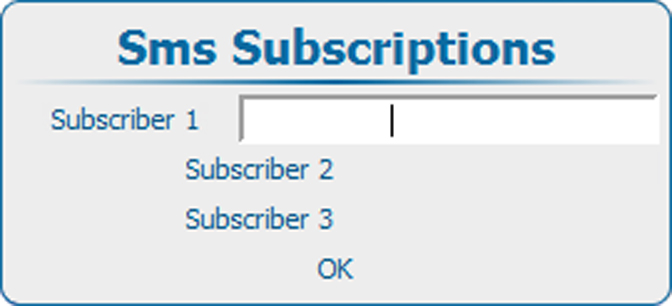
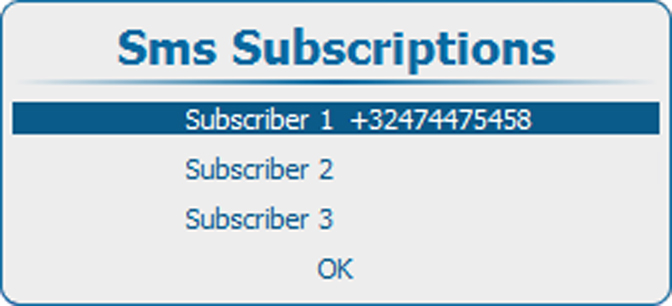
Enter the GSM number of Subscriber 1.
The GSM number must be entered with the following mask +##XXXYYYYYY
+ is mandatory before starting with the country code.
## = country code, 1, 2 or 3 digits
XXX = operator number length depends on the country (do not enter the 0)
YYYYYY = phone number
The + must be followed by at least 7 digits (country+operator number+phone number > 7)
Press ENTER to accept the phone number.
The software checks if the + is entered and that at least 7 digits are entered. When it is not a valid number, the number field next to the selected subscriber remain blank.
This procedure can be repeated for subscriber 2 and 3.
Press Menu to activate the menus and select → .
Create a new SMS message containing 2 parts:
separated by a space character.
Example :
to subscribe : “1234 SUBSCRIBE”
to unsubscribe : “1234 UNSUBSCRIBE”
Send this message to the GSM number associated with the projector.
The receiving projector analyses the message and add or remove the GSM number associated with the message.
A result message is sent back to the requested cell phone.