What can be done?
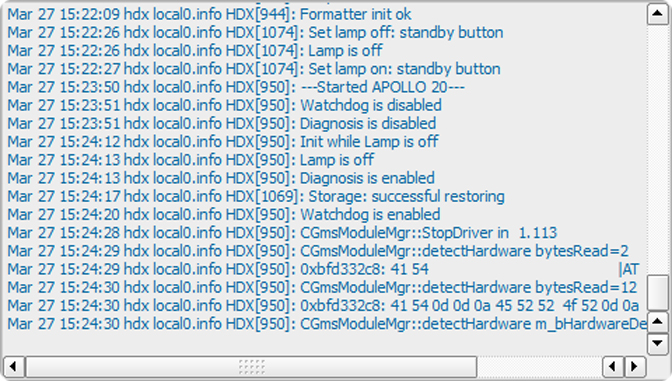
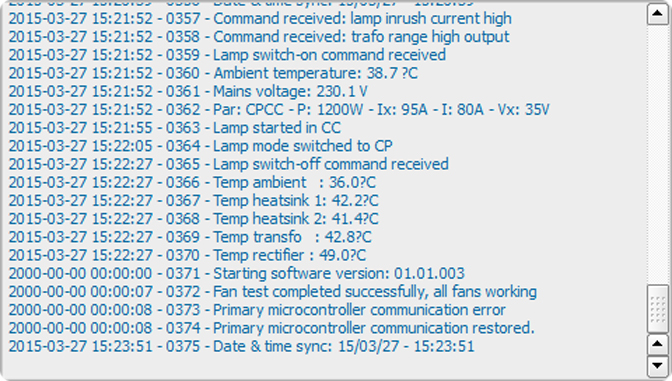
Projector hosts two log files: one managed bythe Main controller and one specific for the Lamp power supply.

Projector hosts two log files: one managed bythe Main controller and one specific for the Lamp power supply.
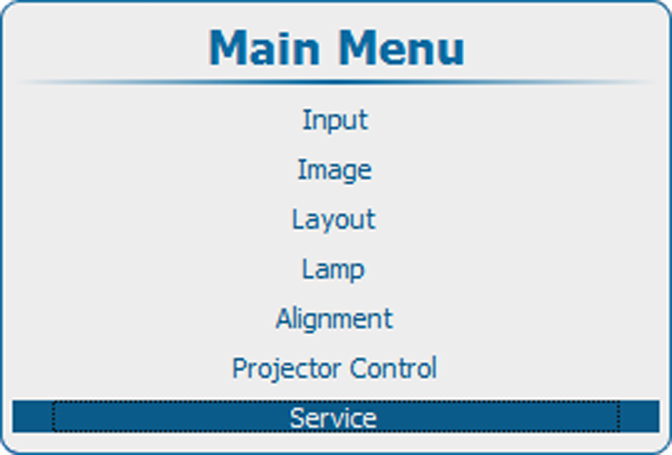
Press Menu to activate the menus and select → → .
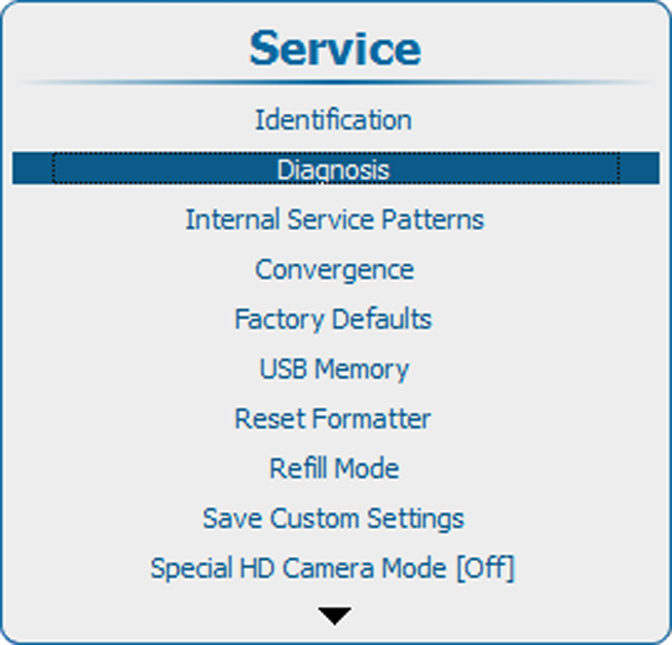
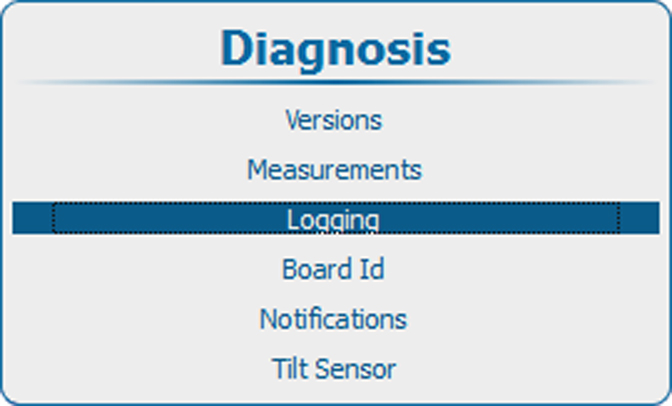
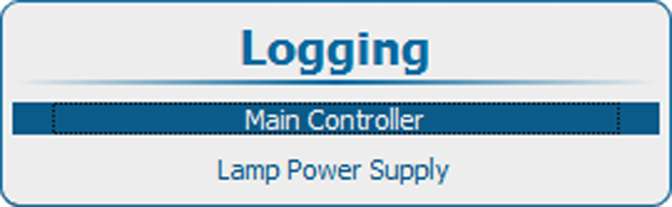
Use the ▲ or ▼ key to select to get a logging of the main controller or to select to get a logging of the lamp power supply.