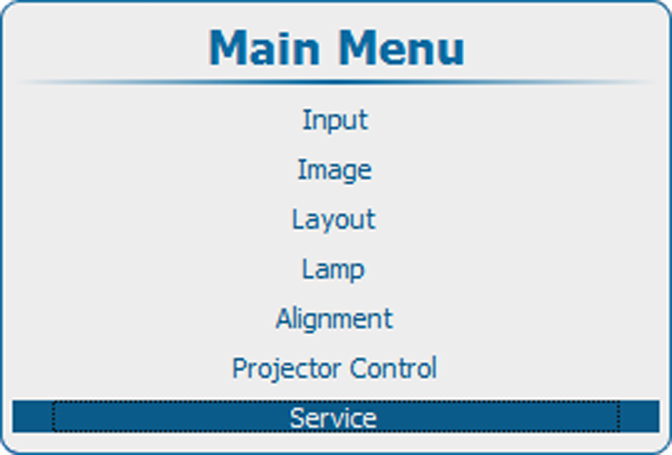
What can be done ?
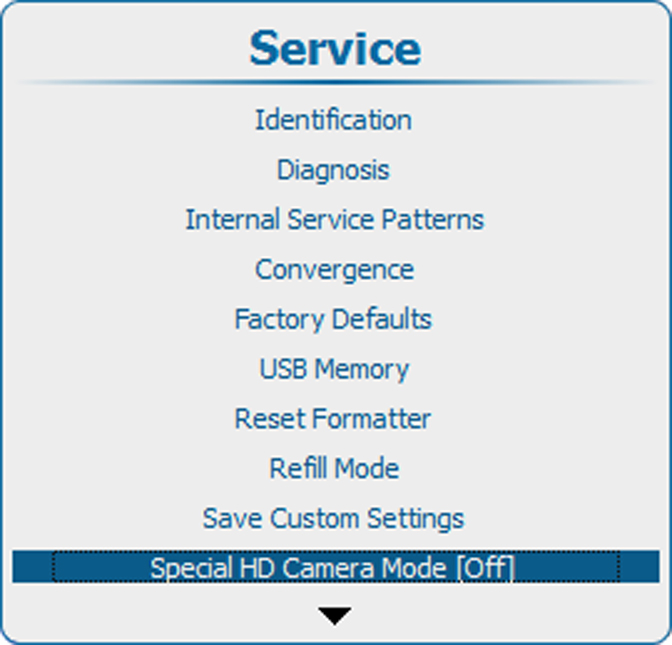
"Special HD Camera mode" enables special sequences for the DMD’s to support specific sources such as the Thompson Grass Valley Worldcam. It shouldn’t be used in any other circumstances as it would cause image flicker and dimmed images with normal sources.
Default position : [Off]