What can be done with these patterns?
The projector is equipped with different internal patterns which can be used for measurement and alignment purposes.

The projector is equipped with different internal patterns which can be used for measurement and alignment purposes.
Press Menu to activate the menus and select → .

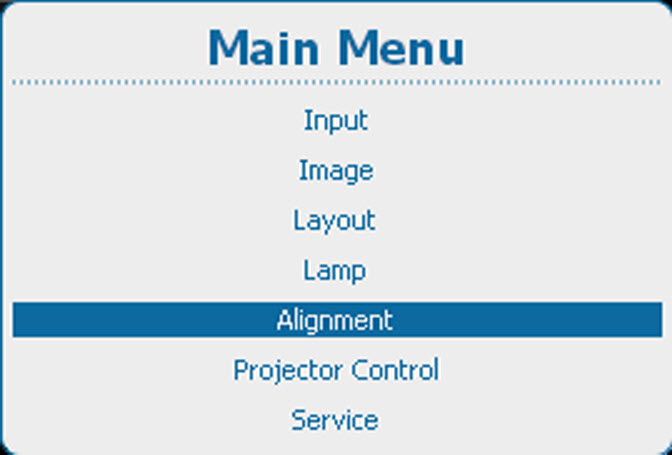
Press ENTER to select the pattern list.
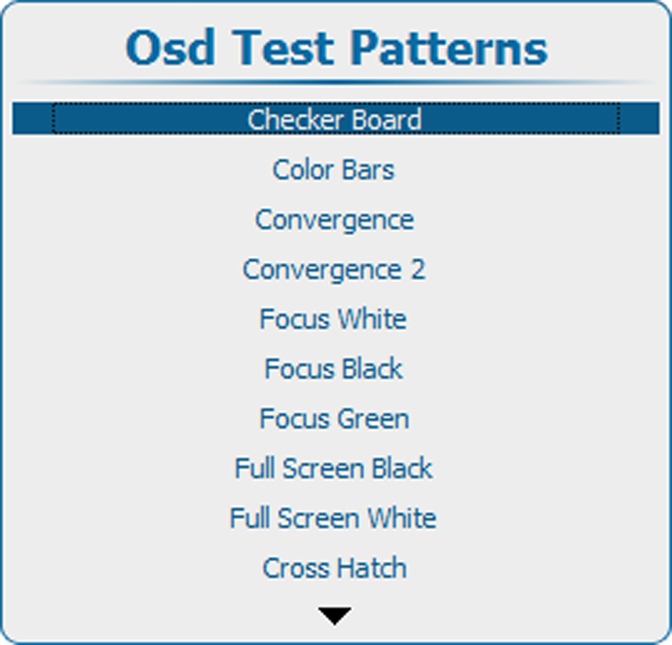
Use the ▲ or ▼ key to select a pattern and press ENTER to display that pattern.
The following patterns are available: