
How to set
Press Menu to activate the menus and select → → → .
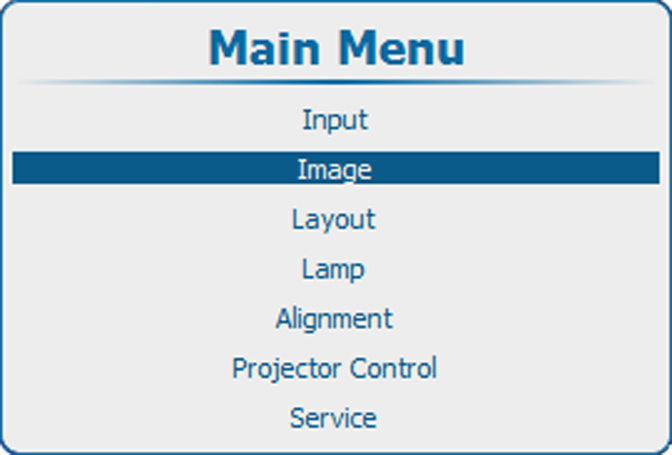
Image 10–87 Main menu, Image 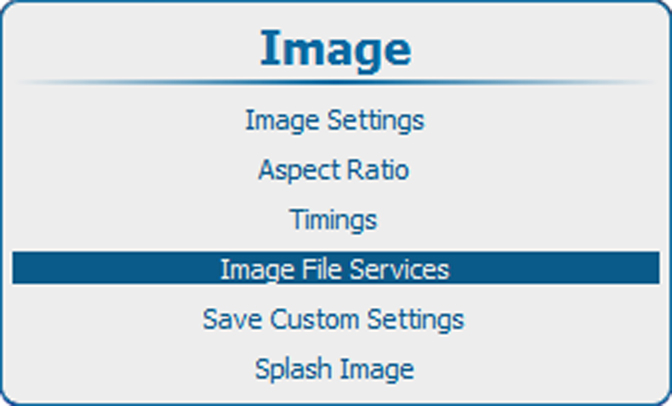
Image 10–88 Image, image file services 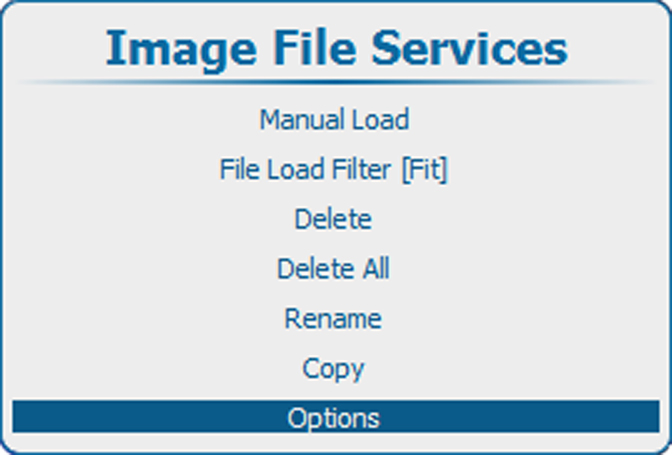
Image 10–89 Image file services, Options 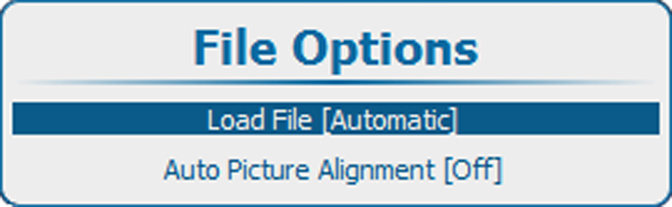
Image 10–90 File options, Load file Press ENTER to toggle between , or .
- Automatic : correct file will be loaded automatically.
- Manual : correct file should be loaded manually.
- Custom only : correct file will be loaded automatically out of the available custom files.