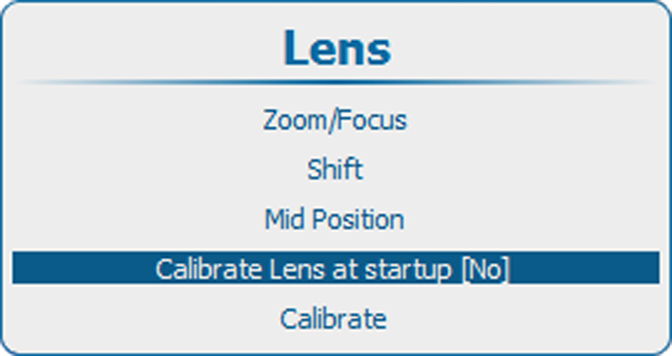
About calibrating lens
Each time the projector is started, a homing procedure (calibration) can be executed so that the projector exactly knows the lens position.

Each time the projector is started, a homing procedure (calibration) can be executed so that the projector exactly knows the lens position.
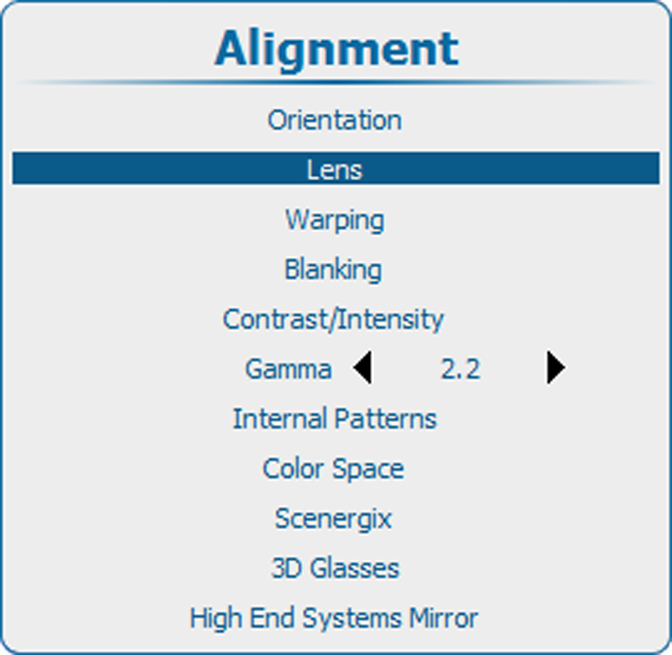
Press Menu to activate the menus and select → .

Use the ▲ or ▼ key to select and press ENTER to toggle between and .