About auto dimming
When no signal is detected on the selected input the lamp power will be reduced from the current value to its minimum value. When the input signal is re-detected, the lamp power is restored to its original value.

When no signal is detected on the selected input the lamp power will be reduced from the current value to its minimum value. When the input signal is re-detected, the lamp power is restored to its original value.
Press Menu to activate the menus and select → . → .
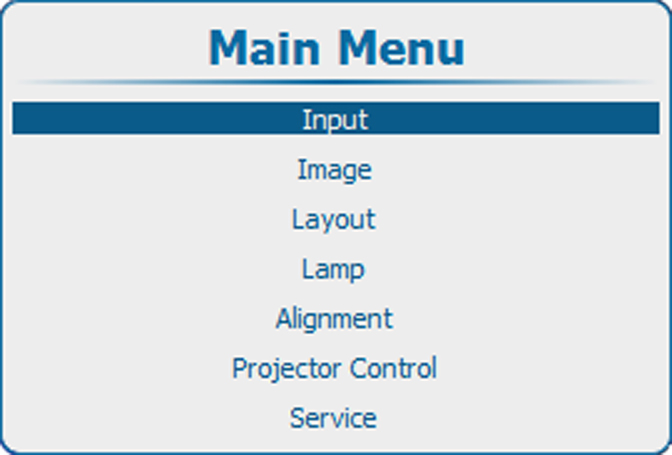
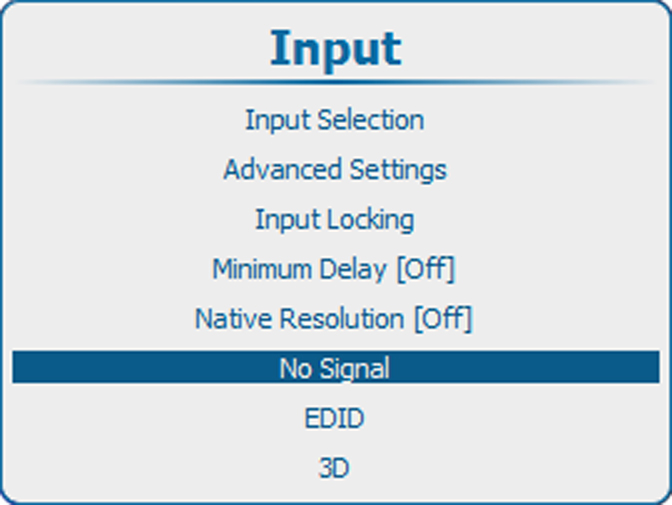
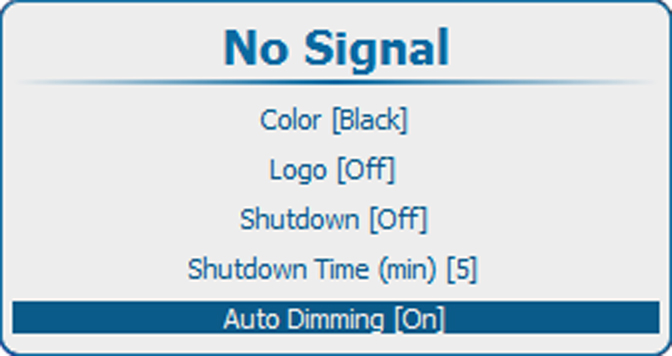
Press ENTER to toggle between or.
[On] : when no signal, auto dimming is started.
[Off] : when no signal, no auto dimming is started.