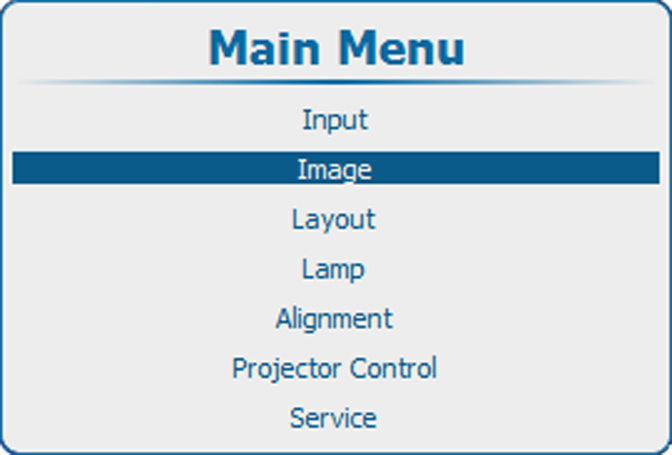
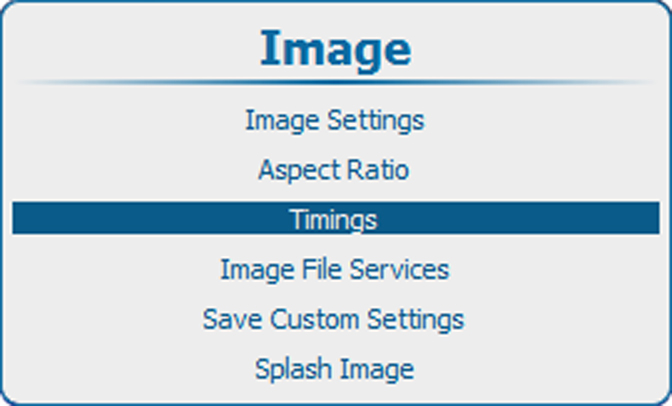
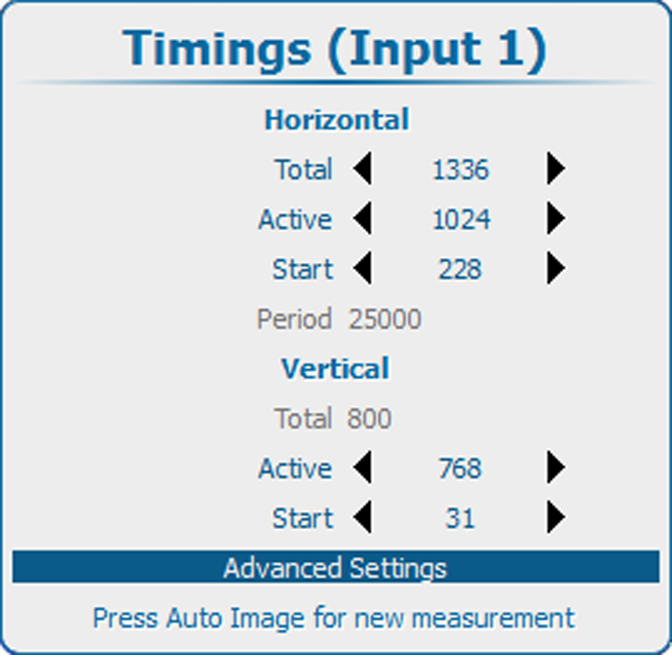
Adjustable items
- Horizontal start in pixels : number of pixels between the horizontal sync and active video information in the input signal.
- Horizontal Active = Active horizontal pixels (width) : number of active pixels in the input signal. This value is normally given in the source specifications. If not, adjust until full image is displayed (no missing pixels).
- Vertical start in lines : number of lines between the vertical sync signal and active video information in the input signal.
- Vertical Active = Active vertical lines : number of active lines in the input signal. This value is normally given in the specification of the source. If not, adjust until full image height is displayed (no missing lines).
- Total pixels: Total horizontal pixels in the source. If the value is wrong, sampling mistakes (small vertical bars in the projected image) will be seen in the image.
- Total lines: Total lines in the source.