What can be done?
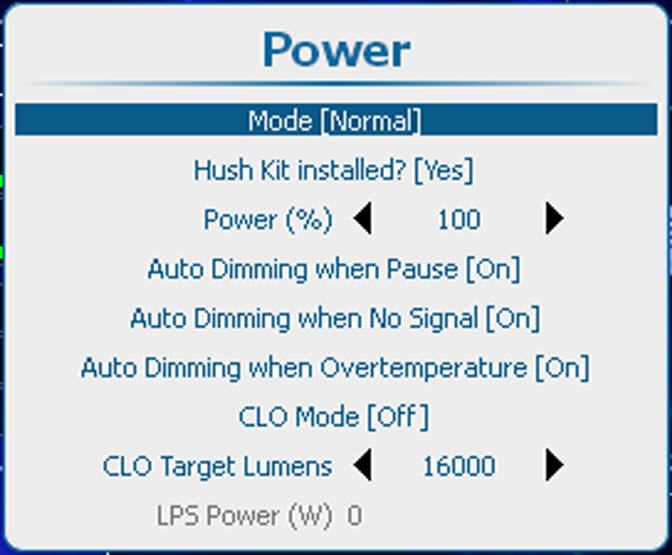
The lamp power mode can be switched between Normal, Economic and Long Life. When playing in Economic and Long Life mode, the lamp life time will be higher than in normal mode.
The counter of the lamp life time counts equal for normal or economic mode but the customer will see that the ageing of the lamp is lower in economic and long life mode.
Normal : maximum allowed power is fed to the lamp. Maximum light output is reached in this way.
Economic : a reduced wattage is fed to the lamp. Reduced light output but a longer life time for the lamp.
Long Life : wattage fed to the lamp reduce to 75%. Reduced light output but a longer life time for the lamp.
The lamp power mode setting is linked with the CLO mode setting. When CLO mode settings is set to , the lamp power mode setting is ignored and projector will play in CLO mode. Once the CLO mode setting is switched to , the installed lamp power mode setting will be used.