Purpose
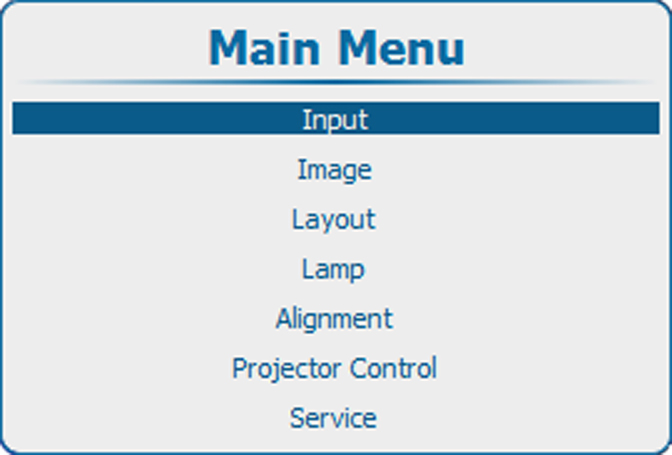
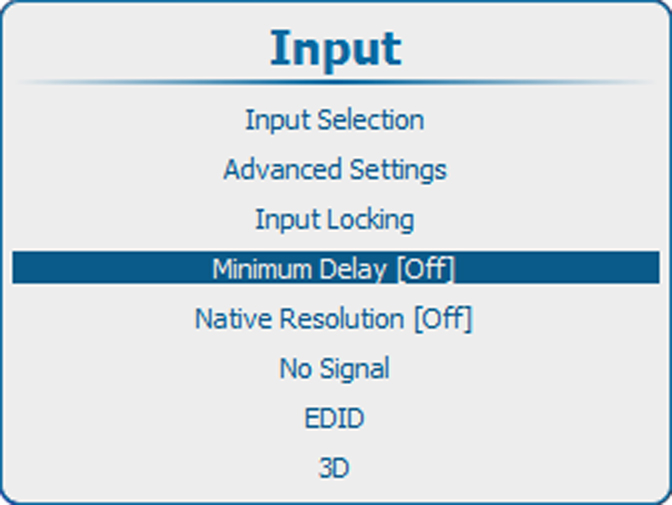
The minimum delay only affects the de-interlacing. In case of interlaced sources, the de-interlacer will be bypassed and the image will be shown with line interpolation applied.
To ensure minimum delay in the other processing steps, make sure warping is OFF, the resolution of the input source is native and the input locking is set to the main input.