What can happen?
When an over-temperature is detected, the projector starts dimming the lamp so that the projector can cool down.

When an over-temperature is detected, the projector starts dimming the lamp so that the projector can cool down.
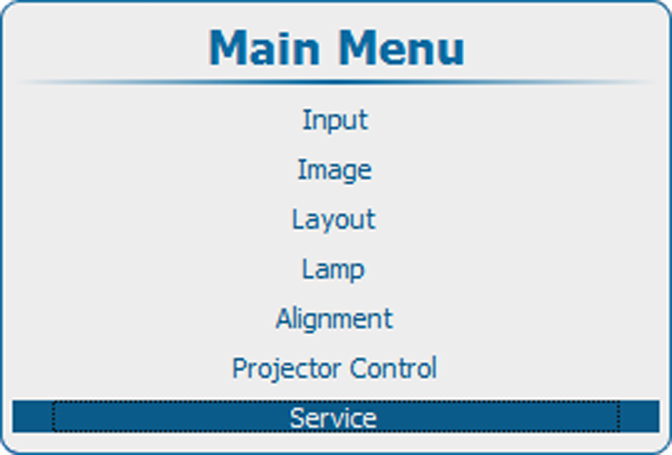
Press Menu to activate the menus and select → .
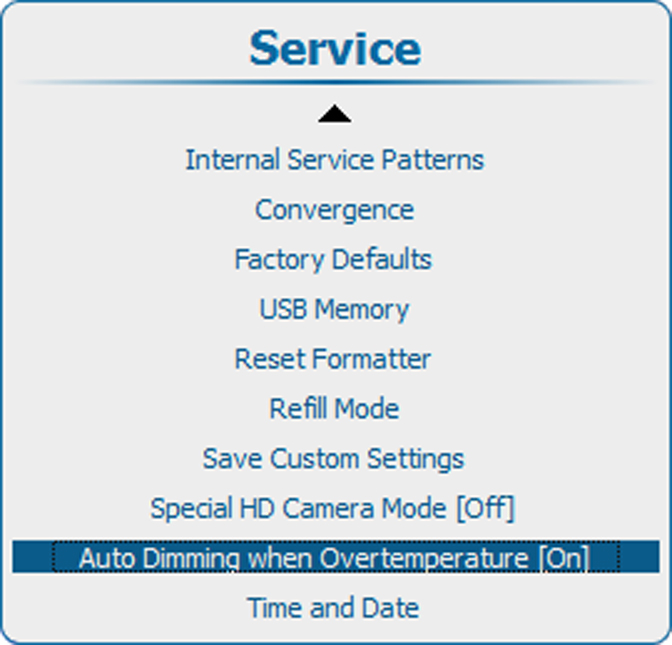
Press ENTER to toggle between and .
[On] : Dimming is started when an over-temperature is detected.
[Off] : No dimming is started when over-temperature is detected.