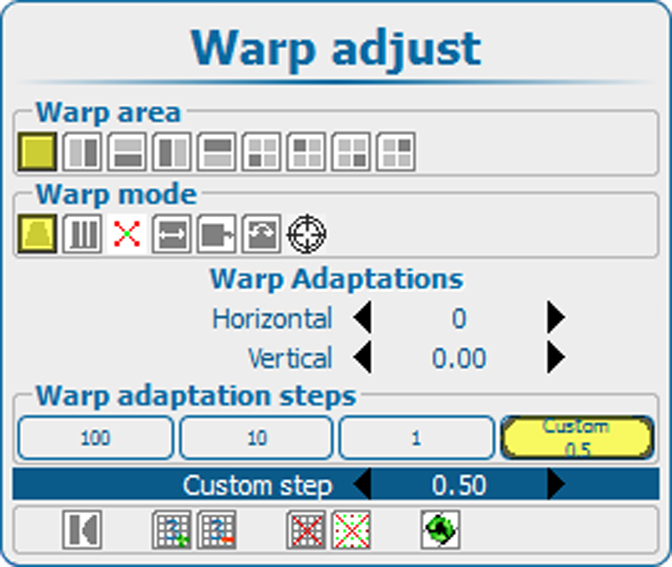
About the steps
An anchor point can be moved with a fixed number of steps: 1, 10 or 100. It is also possible to move an anchor point with custom number of steps or a part of a step.

An anchor point can be moved with a fixed number of steps: 1, 10 or 100. It is also possible to move an anchor point with custom number of steps or a part of a step.
Use the ▲ or ▼ key to go to the Warp adaptation steps area.
The current selection is indicated in yellow.
Use the ◄ or ► key to select the desired steps.
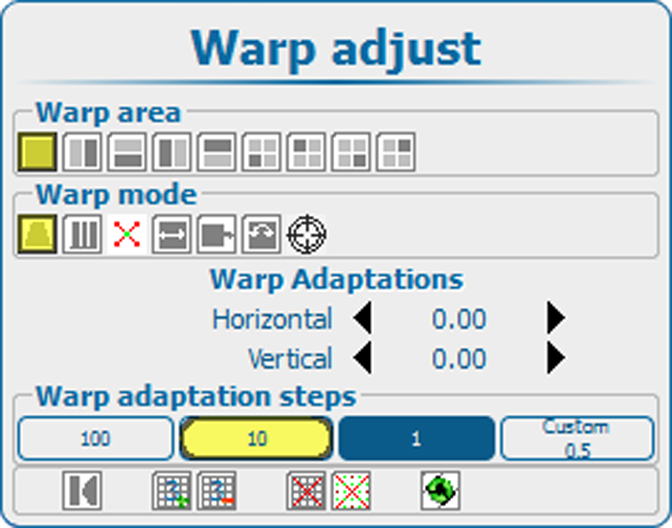
The following selection is possible:
Press ENTER to accept the selection.
When is selected, the step value can be changed.
Use the ◄ or ► key to change the current value.