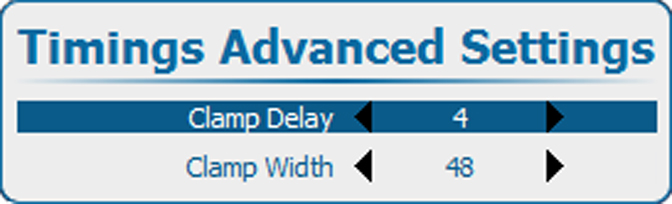
10.5.2 Advanced timings, clamp delay - clamp width

About the advanced settings
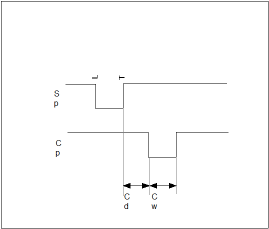
Clamp delayThe time between the trailing edge of the sync pulse and the leading edge of the clamp pulse, in pixels. Can be any value between 0 and 255.
Clamp widthThe width of the clamp pulse can be any value between 0 and 255.
Image 10–56
How to change the clamp delay - clamp width
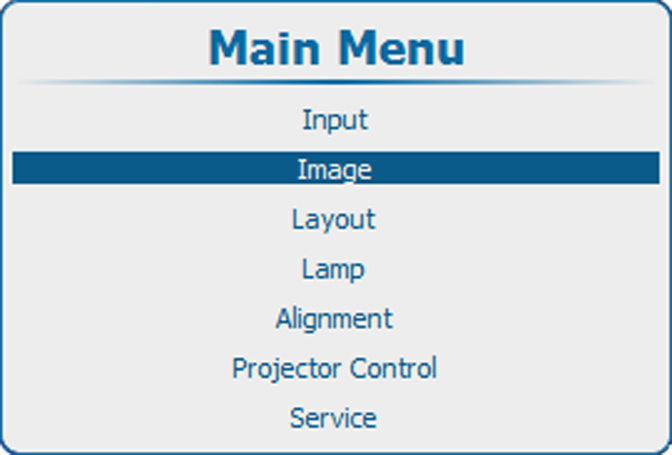
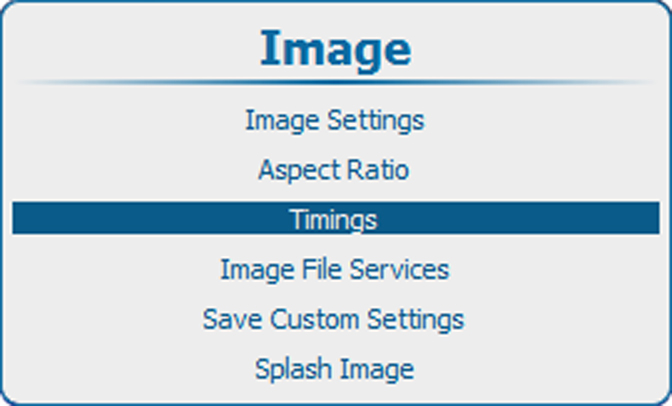
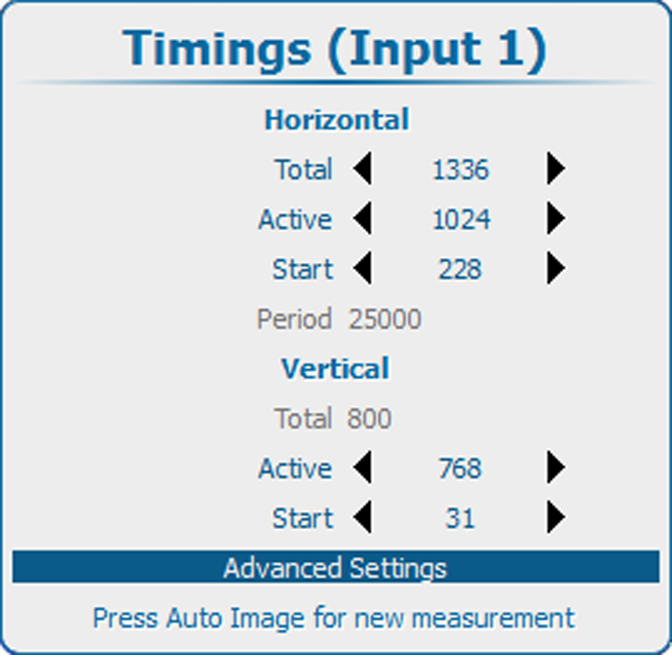
  1. Press Menu to activate the menus and select ImageTimingsAdvanced settings.

    Image 10–57 Main menu, Image
    Image 10–58 Image, timings
    Image 10–59 Timings, advanced settings
  2. Press ENTER to select.

    Image 10–60 Clamp delay
  3. Use the ▲ or ▼ key to select Clamp Delay or Clamp Width and use the or key to change the value.

    or

    press ENTER to open the specific adjustment menu.