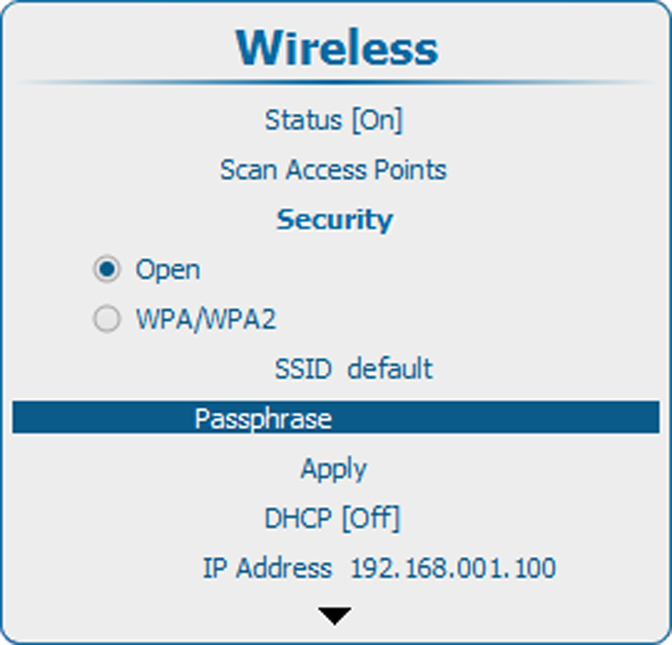
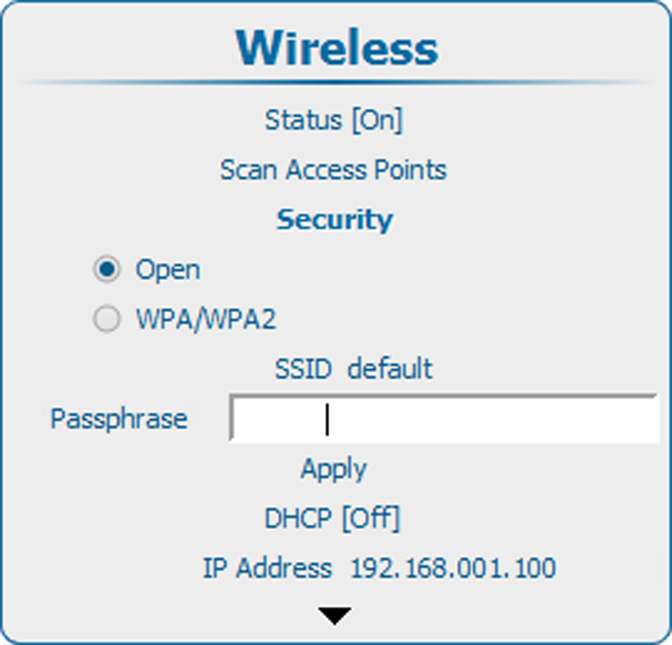
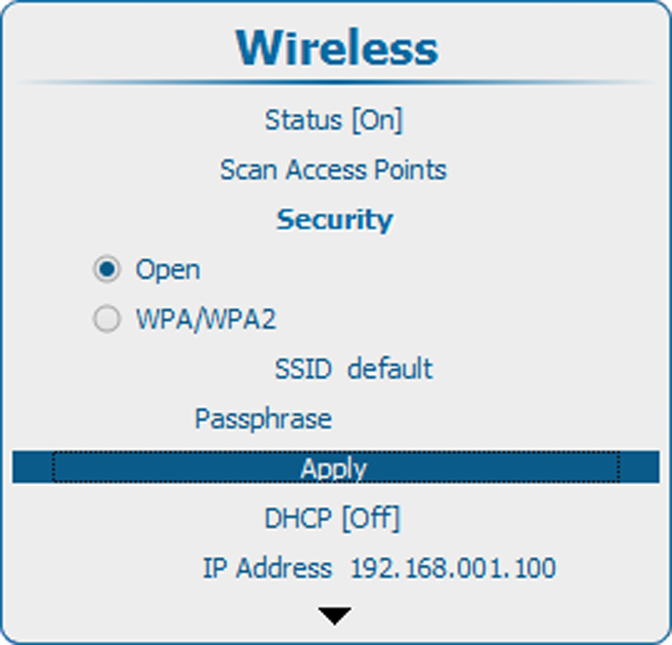
Scan for access points
Select and press ENTER to start the scan.
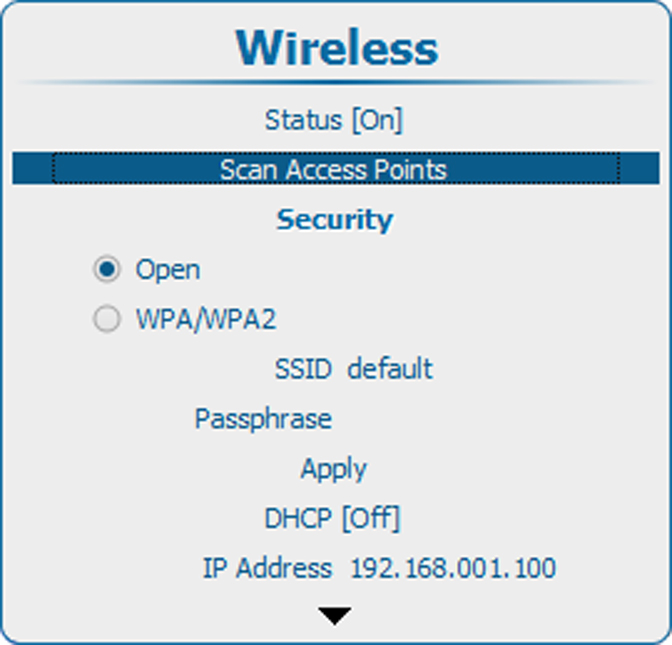
Image 14–35 Scan access points 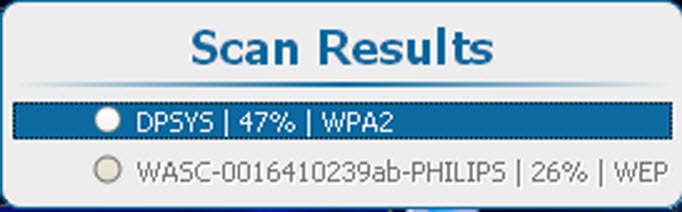
Image 14–36 Scan access points, results Use the ▲ or ▼ key to select the desired access point and press ENTER to activate.
The security type of the network is indicated with the radio button in front of or . The network name is also indicated next to .
Note : WEP is not supported.