What should be done ?
Before a projector can execute DMX commands, a unique address, called DMX address, should be given to the projector. This address can vary from 1 to 512.

Before a projector can execute DMX commands, a unique address, called DMX address, should be given to the projector. This address can vary from 1 to 512.
Press Menu to activate the menus and select → → .

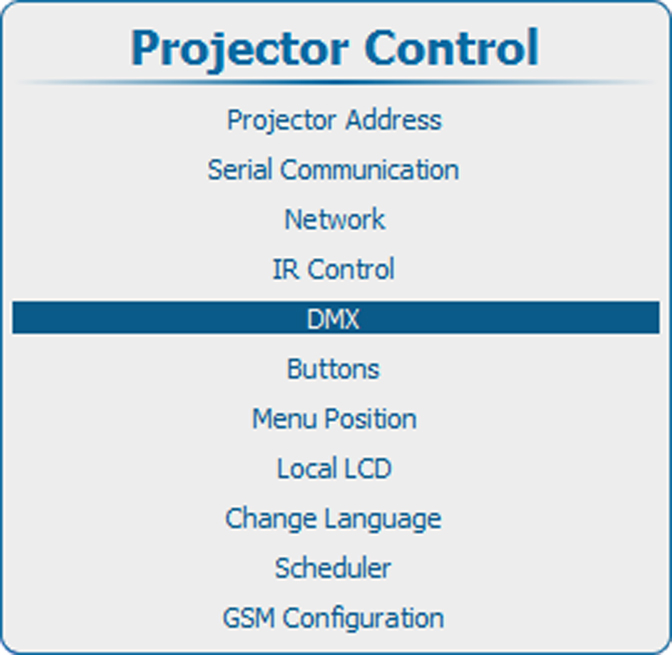
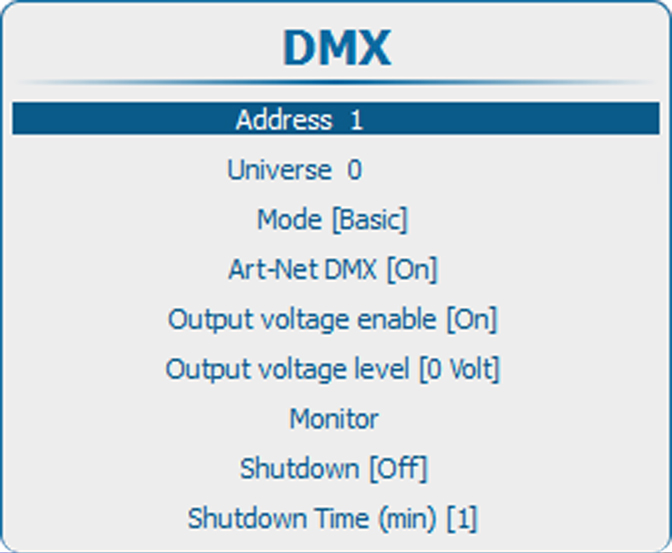
Press ENTER to select.
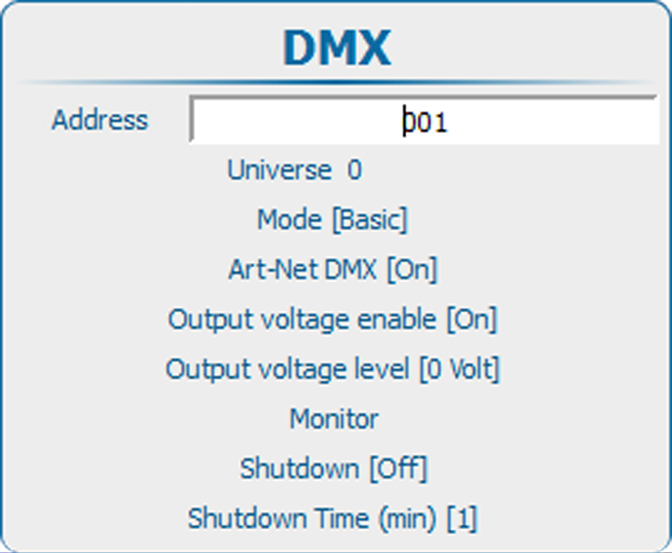
Use the ▲ or ▼ key to change the selected character.
Use the ◄ or ► key to select another character.
