Why and when
A reset formatter is necessary when e.g. a color is missing, artifacts are visible in the image or image is frozen and the formatter test patterns cannot be displayed.

A reset formatter is necessary when e.g. a color is missing, artifacts are visible in the image or image is frozen and the formatter test patterns cannot be displayed.
Press Menu to activate the menus and select → .
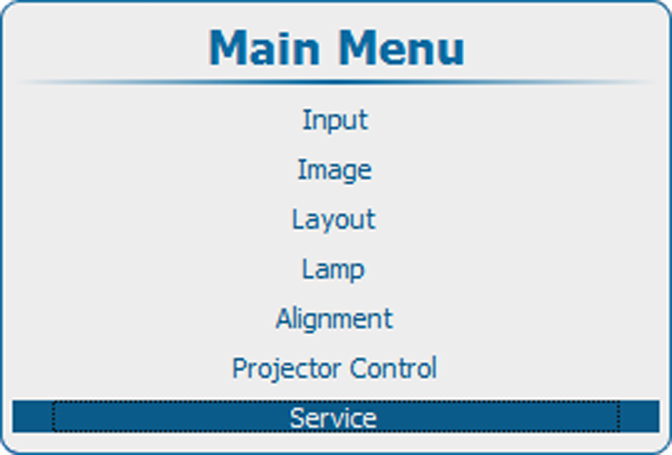
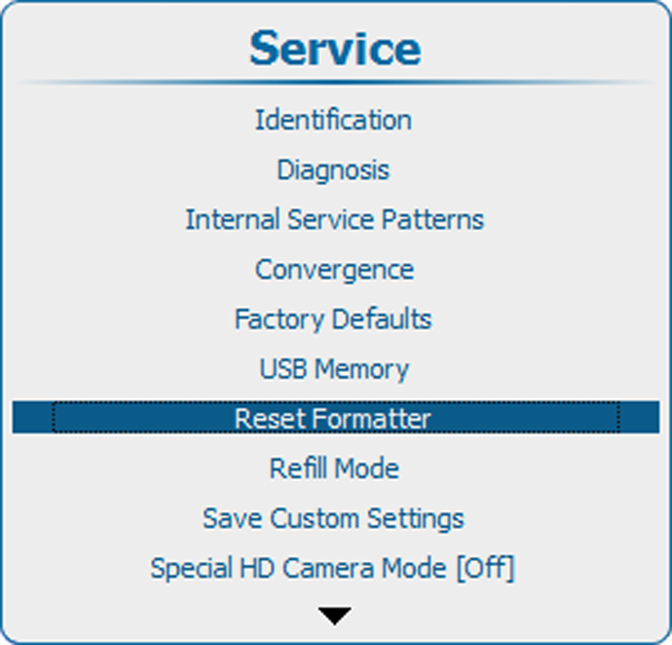
Press ENTER to select. Use the ▲ or ▼ key to select . or and press ENTER.
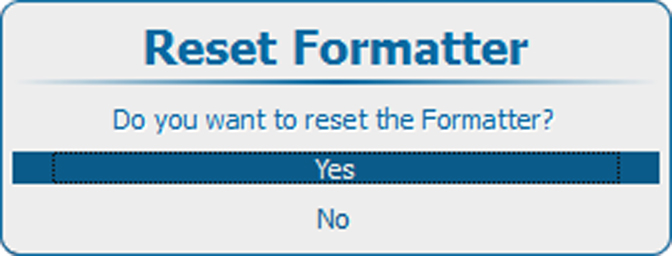
If you want to reset the formatter, select .
If you do not want to reset the formatter, select .