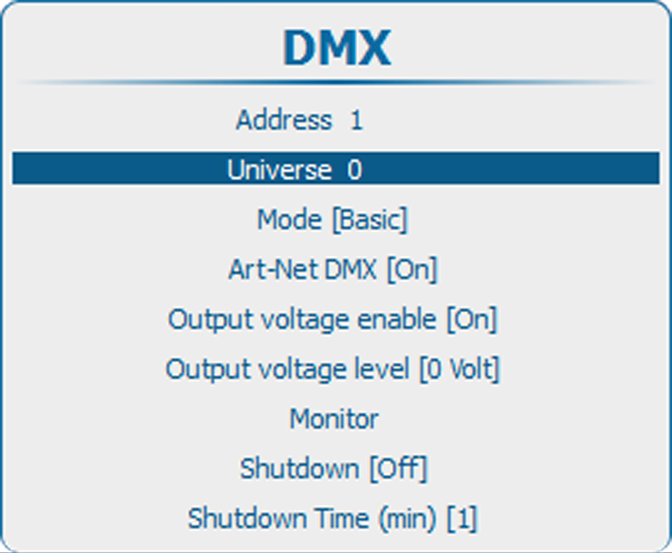
14.7.2 DMX universe

What can be done ?

Depending on the DMX mode, one DMX universe can contain a different number of projectors. E.g. DMX mode = basic, the DMX universe can contain up to 256 projectors

Universes are only meaningful for Art-Net applications as only there multiple universes can be addressed.

How to set a DMX universe
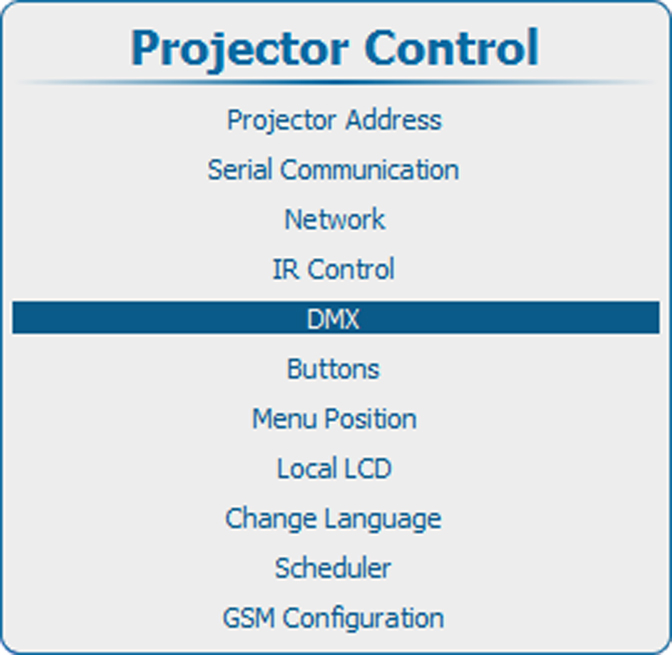
  1. Press Menu to activate the menus and select Projector ControlDMXUniverse.

    Image 14–67 Main menu, projector control
    Image 14–68 Projector control, DMX
    Image 14–69 DMX, universe
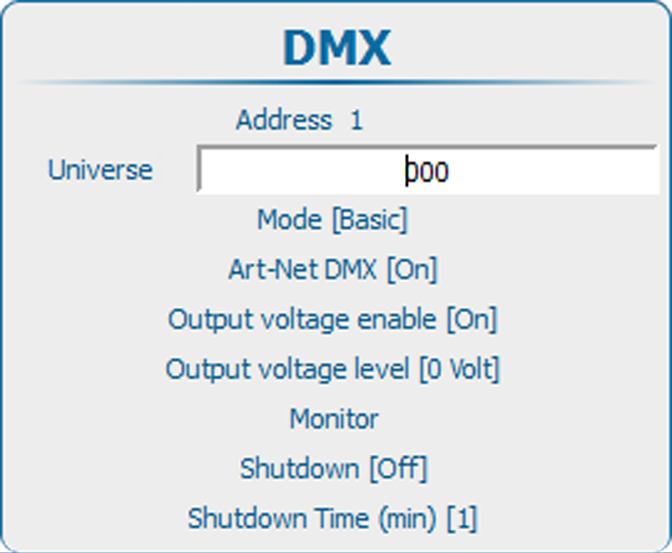
  2. Press ENTER to select.

    Image 14–70 DMX universe
  3. Use the ▲ or ▼ key to change the selected character.

    Use the or key to select another character.

    Note: Digits can be entered with the digit keys on the remote control or the local keypad. When a digit is entered in that way, the next character will be selected automatically.