
How to change the settings
Press Menu to activate the menus and select → . → .
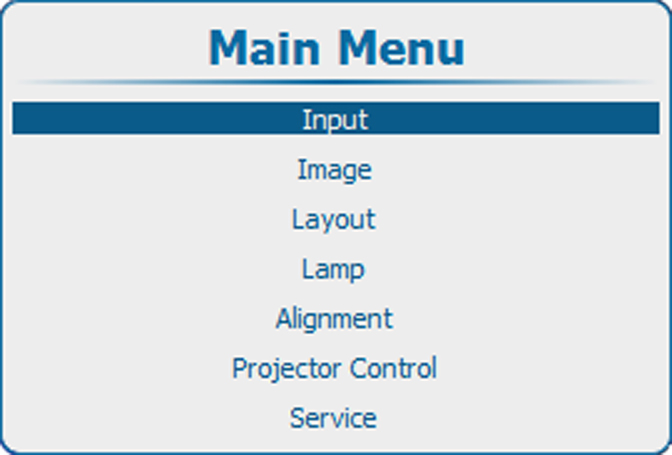
Image 9–30 Main menu 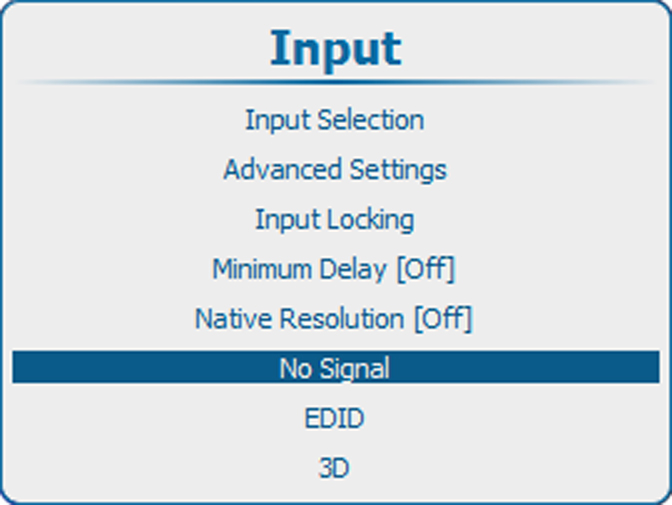
Image 9–31 Input, no signal 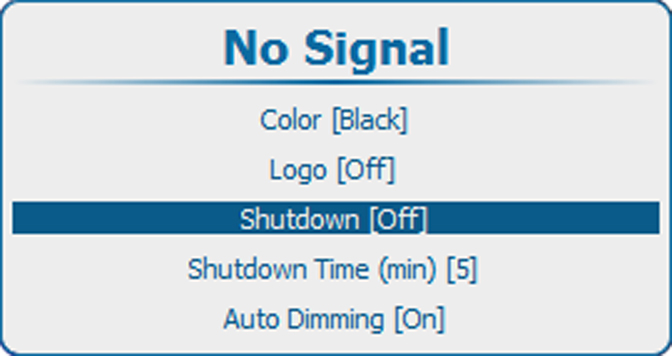
Image 9–32 No signal, shutdown Press ENTER to toggle between and .
: projector goes in shutdown after a certain retarding time.
: projector does not go in shutdown.